
AI Image Tools
Voloshow combines AI image generation, local image utilities, product photo workflows, and image-to-video tools in one creative studio.
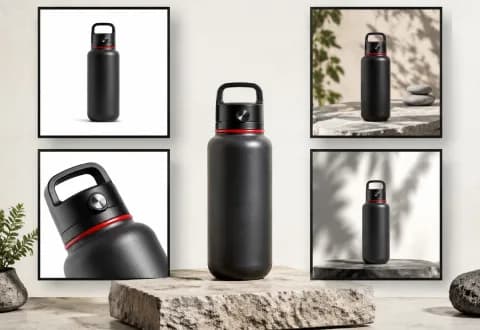
Create AI images from text prompts with Voloshow generation controls, model-aware credits, reusable prompts, and private creative workflows.
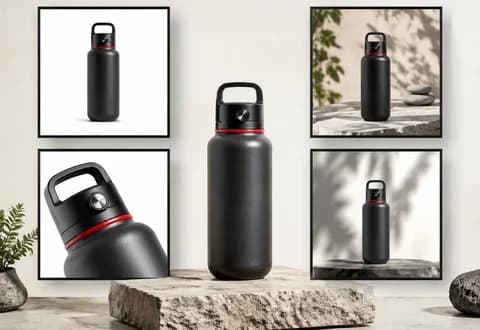
Upload a product image and use AI to refine lighting, change scenes, replace backgrounds, and prepare ecommerce product photo drafts while preserving product details for review.
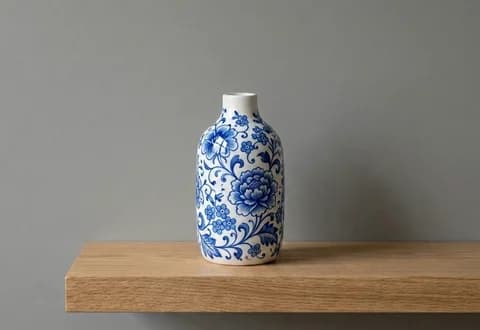
Edit and restyle a reference image with prompt-guided AI image editing while preserving private source uploads and reusable creative direction.

Analyze an uploaded image and extract reusable prompts, style notes, and generation-ready descriptions for Voloshow image workflows.
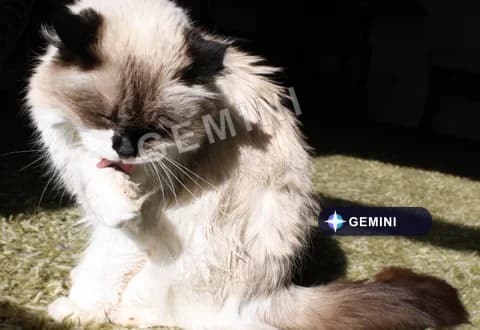
Remove visible Gemini watermarks from generated images through the configured GWR image workflow.
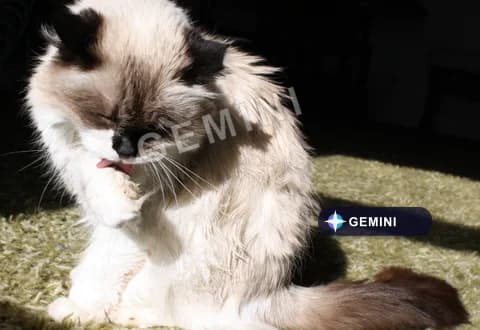
Remove visible Omni and Veo watermarks from generated videos through the configured GWR video workflow.
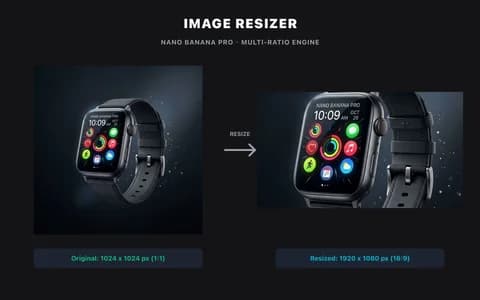
Resize WebP, PNG, and JPG images online in your browser, keep aspect ratios under control, and download the result without uploading it by default.
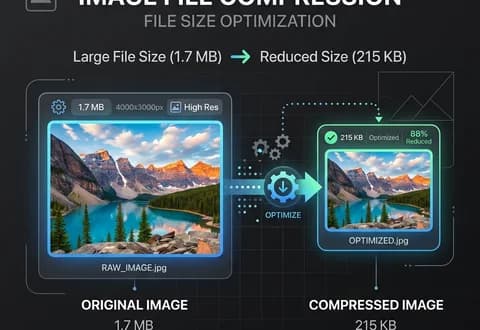
Compress images locally for faster uploads, sharing, marketplace publishing, and AI workflow preparation without sending files to a server.
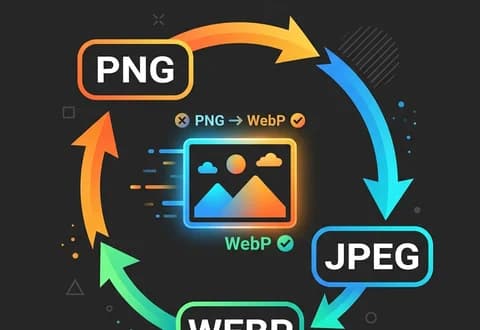
Convert WebP to PNG, PNG to WebP, JPG to WebP, PNG to JPG, and other PNG, JPEG, and WebP images locally in the browser.
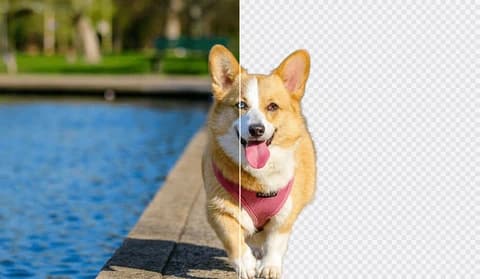
Upload an owned image, remove the background, and review a clean cutout through the controlled Product workflow.
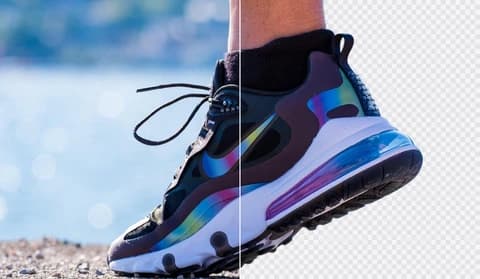
Prepare transparent-background image cutouts with a controlled Product workflow and clean alpha output.
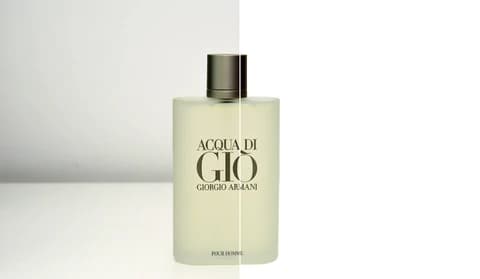
Place subjects on a clean white background for catalog and marketplace images.

Increase image resolution with a guided Product upscaling workflow and sharper output detail.

Improve lighting, contrast, and detail with guided image editing.
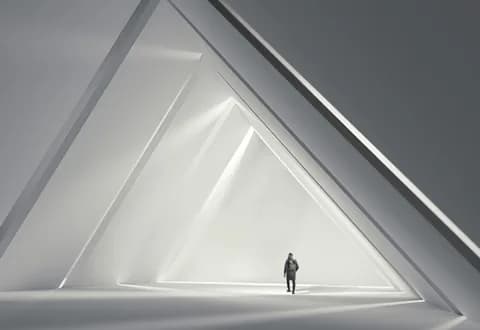
Mask an area to clean up owned images through a controlled Product cleanup workflow.
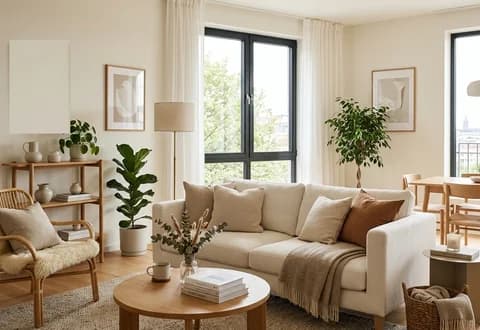
Remove selected objects from owned images with a mask-guided Product cleanup workflow and safety checks.
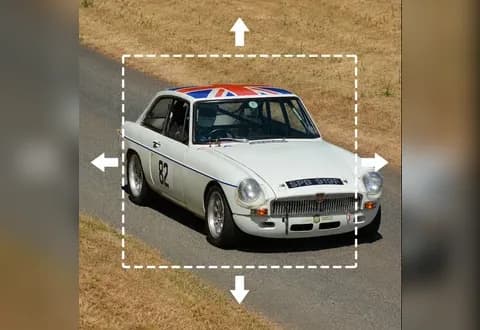
Extend an image beyond its original frame with a guided Product outpainting workflow.
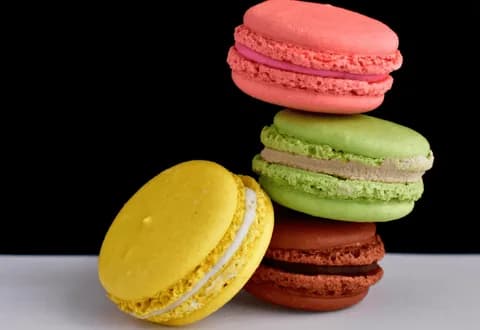
Generate a new scene around an uploaded subject with a guided Product background workflow.