
Image Compressor
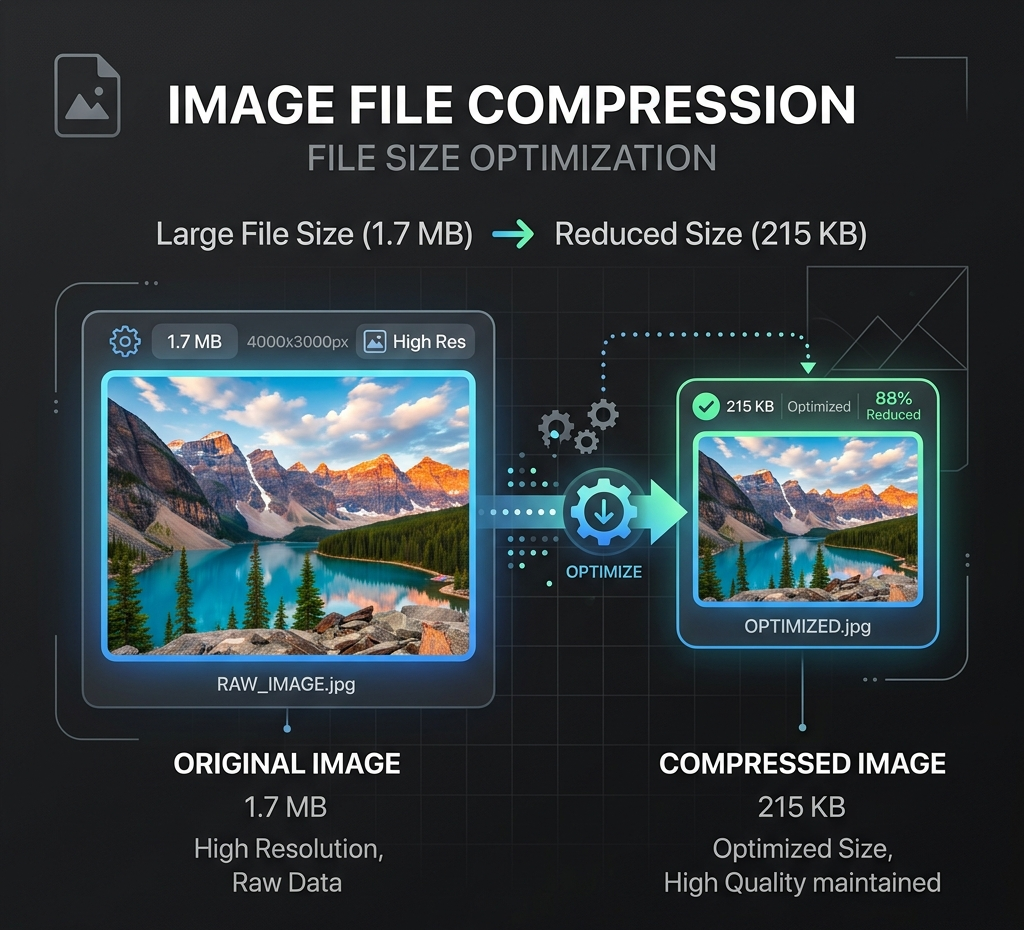
Compress images locally for faster uploads, sharing, marketplace publishing, and AI workflow preparation without sending files to a server.
Local image utility
Local browser processing
Images are processed with Canvas in this browser and are not uploaded to the Product API by default.
PNG / JPEG / WebP, up to 25 MB per file.
Local resize, compression, and conversion do not use credits.
No uploadNo creditsBrowser only
Output format
Example
Compress for web upload
Choose or drop an image to process and preview it locally in this browser.
Examples
Reduce marketplace image size

Prepare a shareable image
How to use Image Compressor
Compress images locally for faster uploads, sharing, marketplace publishing, and AI workflow preparation without sending files to a server.
- 1Use the quality slider for JPEG and WebP output when smaller file size matters.
- 2Check the Saved metric before download so the compression result is worth keeping.
- 3Continue to Convert or Resize when the next step needs a different format or dimensions.
Image Compressor examples and uses
Use the compressor to reduce image weight before web upload, marketplace publishing, sharing, or AI workflow preparation.
- 1Shrink large product or social images before uploading them elsewhere.
- 2Keep PNG output lossless when quality loss is not acceptable.
- 3Prepare faster-loading assets before running background, prompt, or generation workflows.
Format, size and privacy
Compress images locally for faster uploads, sharing, marketplace publishing, and AI workflow preparation without sending files to a server.
- 1Processing stays local in the browser.
- 2No credits are required.
- 3PNG, JPEG, and WebP are supported up to 25 MB.
Real compression examples
These example results show the kind of before-and-after compression data to review before replacing a source asset.
- 1Product JPG: 2.8 MB -> 460 KB for a lighter ecommerce product image.
- 2WebP Hero: 1.4 MB -> 230 KB for a faster landing-page hero asset.
- 3PNG Screenshot: 3.1 MB -> 1.7 MB when lossless output matters more than the smallest possible file.
WebP, product photo and Shopify compression
Use the same compressor for WebP images, product photos, Shopify store assets, and format decisions where JPEG and WebP compression behave differently.
- 1Compress WebP Images when a modern web asset still needs a smaller download size.
- 2Compress Product Photos before uploading storefront, marketplace, catalog, or campaign images.
- 3Compress Images for Shopify after final crop and background work so store media stays lighter.
- 4Use JPEG vs WebP Compression checks when balancing broad compatibility, transparency support, and smaller files.
Publishing and upload uses
Compression is useful before web publishing, marketplace upload, email handoff, social posting and AI workflow preparation.
- 1Use WebP or JPEG quality controls when smaller file size matters.
- 2Keep PNG output when lossless behavior or transparency is more important.
- 3Compare original size, compressed size and saved percentage before download.
Local compression boundary
Compression runs in the browser, so it does not submit the image to the Product API or use credits by default.
- 1Resize first when dimensions are much larger than the target channel.
- 2Compress after background work when the final asset is ready.
- 3Review visual quality before replacing a source asset.
Related tools
Explore more related image tools to continue your creative workflow:
Image WorkbenchAI Image Tools directoryPrompt libraryResize WebP, PNG & JPG Images OnlineImage ConverterImage EnhancerFAQ
Does compression use credits?
No. Compression is local in the browser for the first release.
How does quality work?
Lossy quality controls apply to JPEG and WebP; PNG output keeps lossless behavior.
When should I use this tool?
Use compression before AI enhancement or upload when you need a smaller file.
Can I compress WebP images?
Yes. Upload a WebP image and use the quality control to reduce file size while checking the preview and saved percentage.
Can I compress images for Shopify?
Yes. Compress product photos, hero images and store content after the final crop or background edit, then review quality before uploading to Shopify.
Should I use JPEG or WebP compression?
Use JPEG when broad compatibility matters for photo-style images. Use WebP when modern browser delivery and smaller web files are the priority.
Does compression upload my image?
No. Compression runs locally in the browser and does not upload the image by default.
Which formats are supported?
PNG, JPEG and WebP are supported up to the current local utility size limit.
Can I compress product photos for ecommerce?
Yes. Compress after final edits and review quality before uploading to a storefront, marketplace or CMS.