
Image Enhancer workflow
Improve lighting, contrast, and detail with guided image editing.
- 1Start with the runner at the top of the page.
- 2Review the examples and input notes before exporting.
- 3Use related tools to continue the visual workflow.
Improve lighting, contrast, and detail with guided image editing.
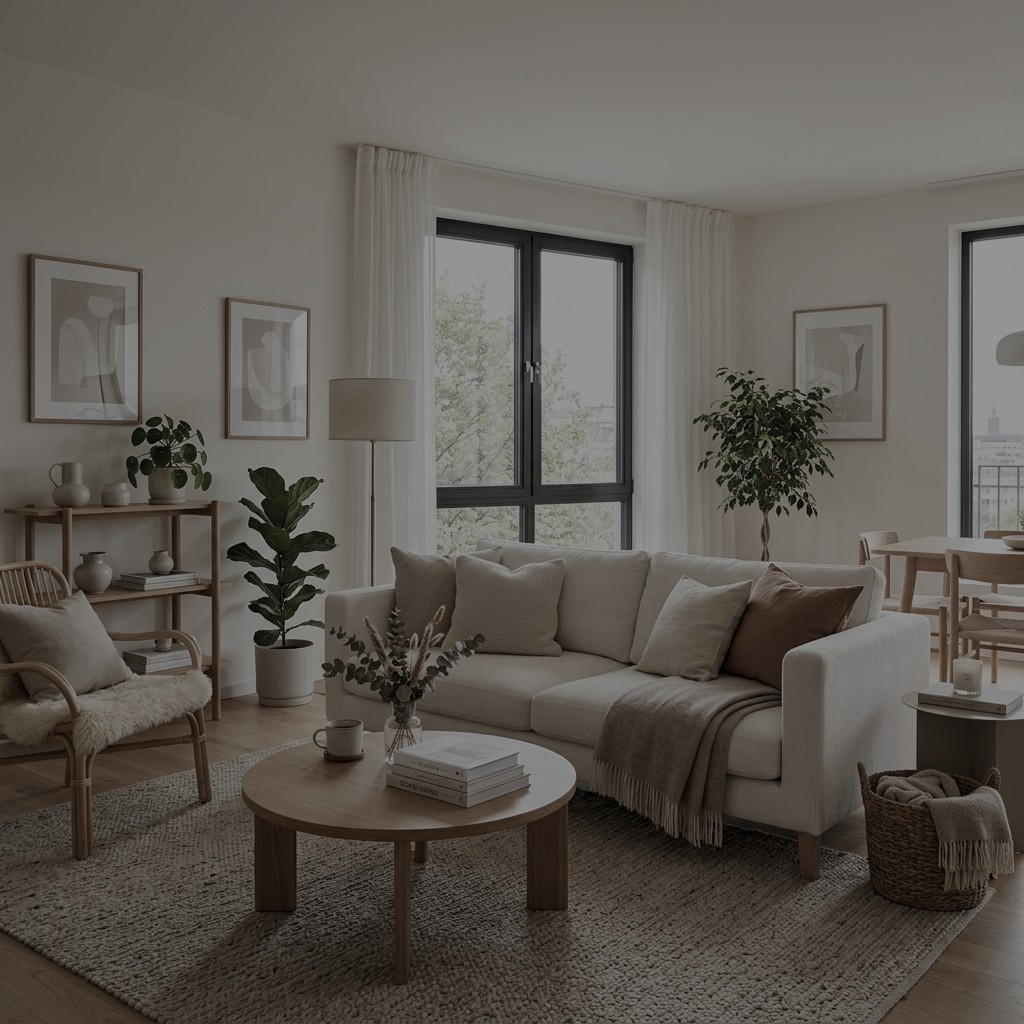
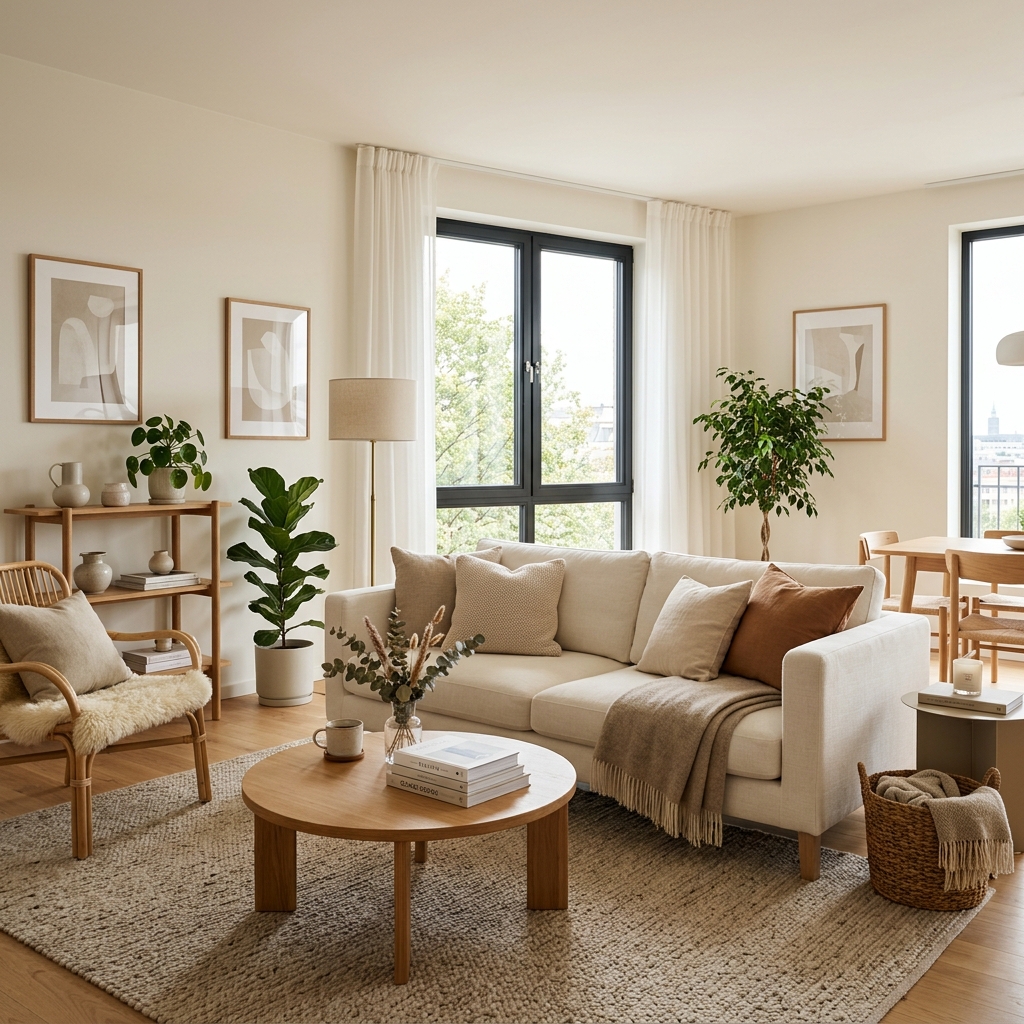
Upload or select a reference image on the left, then preview and compare the processed result here.
Improve lighting, contrast, and detail with guided image editing.
Use enhancement tools after generation or upload when the image needs clearer details before download or publishing.
Check the workflow notes, availability details, and related tools before continuing with a generated or uploaded image.
Explore more related image tools to continue your creative workflow:
Image WorkbenchAI Image Tools directoryPrompt libraryImage UpscalerImage to ImageAI Image GeneratorUse it to improve lighting, contrast, detail, and overall visual clarity through a guided image edit.
Yes. Add a short instruction when you want a specific enhancement style or constraint.
Use images you own or have permission to edit, especially for portraits, products, and branded assets.