

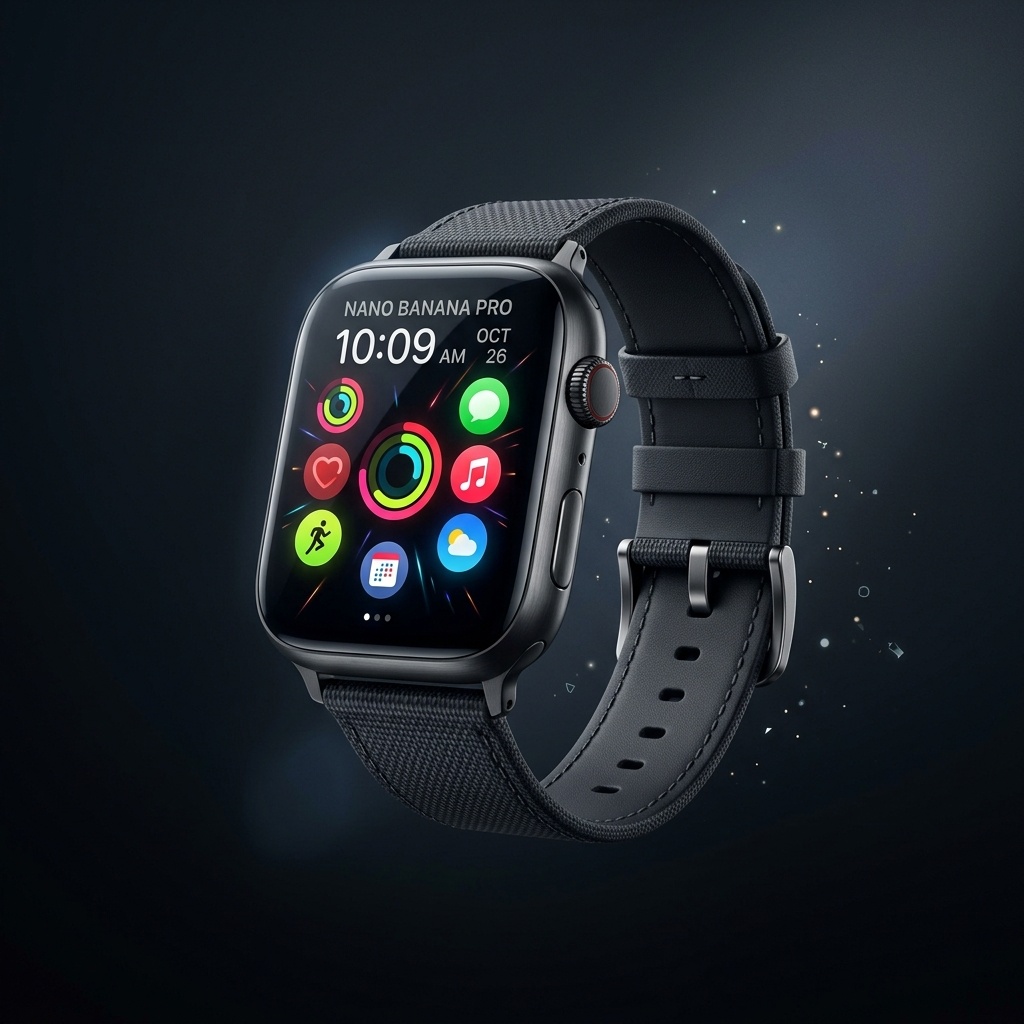
Back/

Image Upscaler

Increase image resolution with a guided Product upscaling workflow and sharper output detail.

Tool runner

Private
Source image
Aspect ratio
Before
Before
After
After
Example

Upscale detail preview

Upload or select a reference image on the left, then preview and compare the processed result here.

Image Upscaler workflow

Increase image resolution with a guided Product upscaling workflow and sharper output detail.

  • 1Start with the runner at the top of the page.
  • 2Review the examples and input notes before exporting.
  • 3Use related tools to continue the visual workflow.

Image Upscaler use cases

Use enhancement tools after generation or upload when the image needs clearer details before download or publishing.

  • 1Improve generated or uploaded images before high-resolution download.
  • 2Prepare product photos, posters, wallpapers and social assets.
  • 3Compare before/after quality before publishing or continuing edits.

Availability and workflow

Check the workflow notes, availability details, and related tools before continuing with a generated or uploaded image.

Product and creative uses

Upscaling is useful after generation, background work or upload when the image needs clearer detail before download or publishing.

  • 1Use clean product photos, portraits, illustrations or design exports.
  • 2Review small text, packaging and logos after the upscale result returns.
  • 3Resize or compress after upscaling when the final channel requires smaller dimensions or file size.

Quality and credits boundary

Upscaling can improve detail but cannot guarantee exact recovery of missing information.

  • 1Blurry, tiny or heavily compressed sources may stay imperfect.
  • 2Provider queues and validation can affect completion time.
  • 3Credits are estimated before submit and settled from the finished task.

FAQ

Can this tool enlarge images today?

Yes. Upload an image and run the Product upscaling workflow to create a higher-resolution output.

Which images work best?

Use clean product, portrait, illustration, or design images where sharper detail is useful.

Does upscaling use credits?

Credits are estimated before submit and settled from the finished task.

Can I upscale AI-generated product images?

Yes. Upscaling can help after generation or background work when the image needs higher resolution.

Should I resize or compress after upscaling?

Usually yes. Upscale first, review the result, then resize or compress for the final channel.

Are tiny text and logos guaranteed to stay accurate?

No. Review readable text, logos and packaging after upscaling before publishing.