
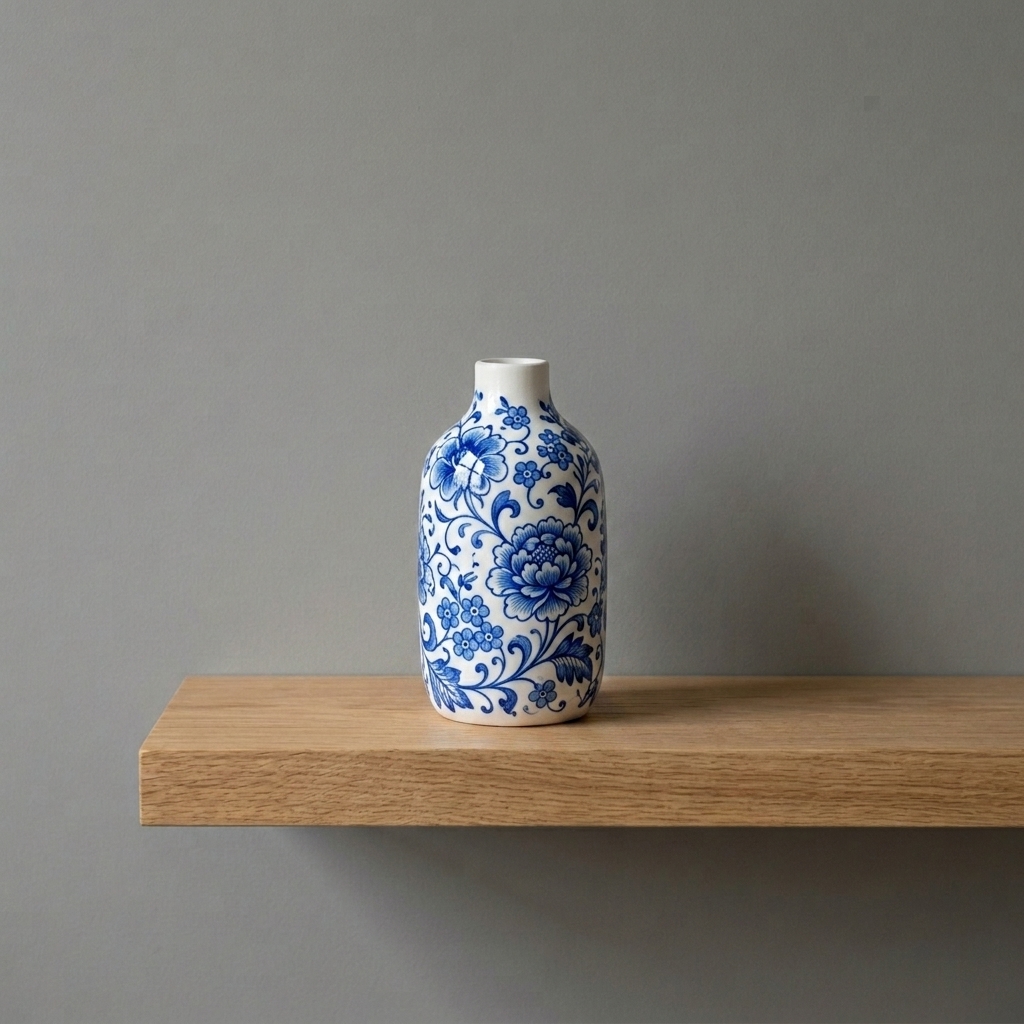
Restyled ceramic vase
Restyle the plain vase with beautiful hand-painted blue floral patterns
Edit and restyle a reference image with prompt-guided AI image editing while preserving private source uploads and reusable creative direction.
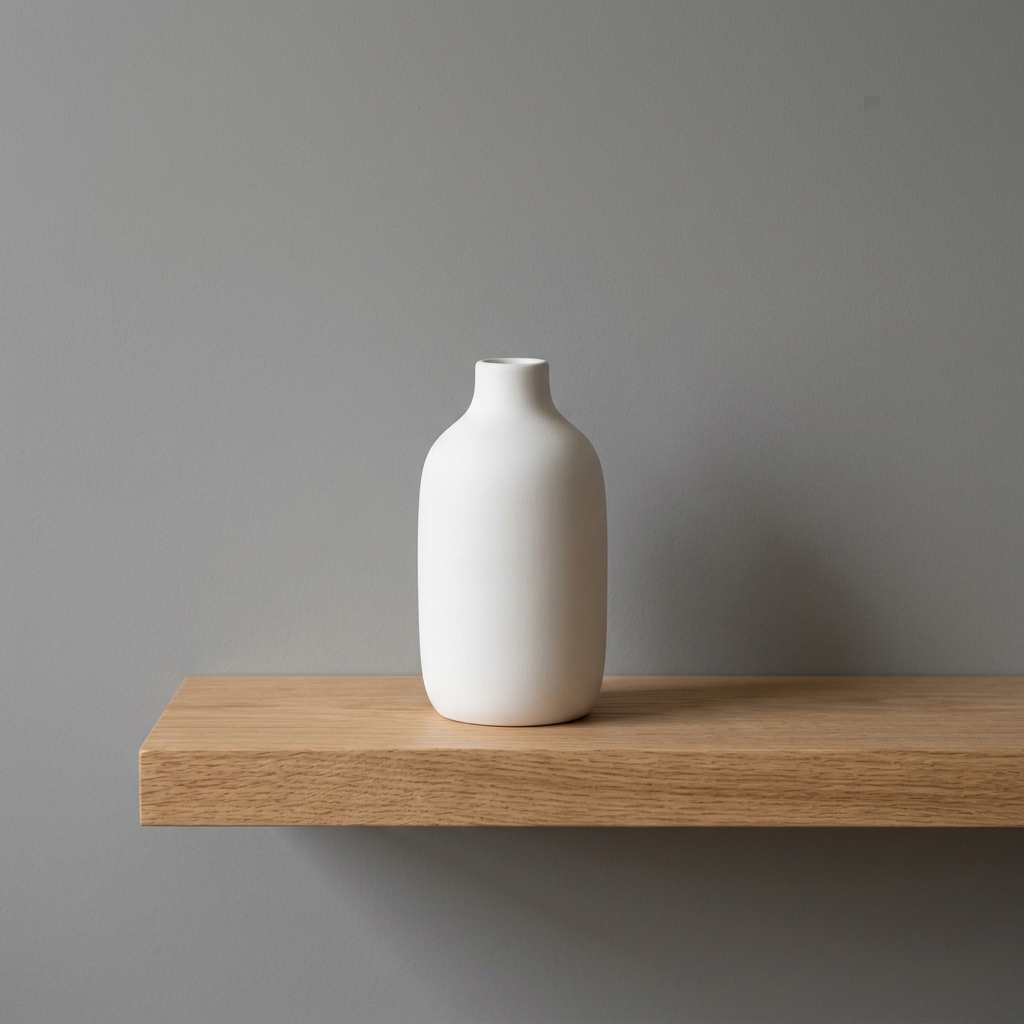
Upload or select a reference image on the left, then preview and compare the processed result here.
Restyle the plain vase with beautiful hand-painted blue floral patterns
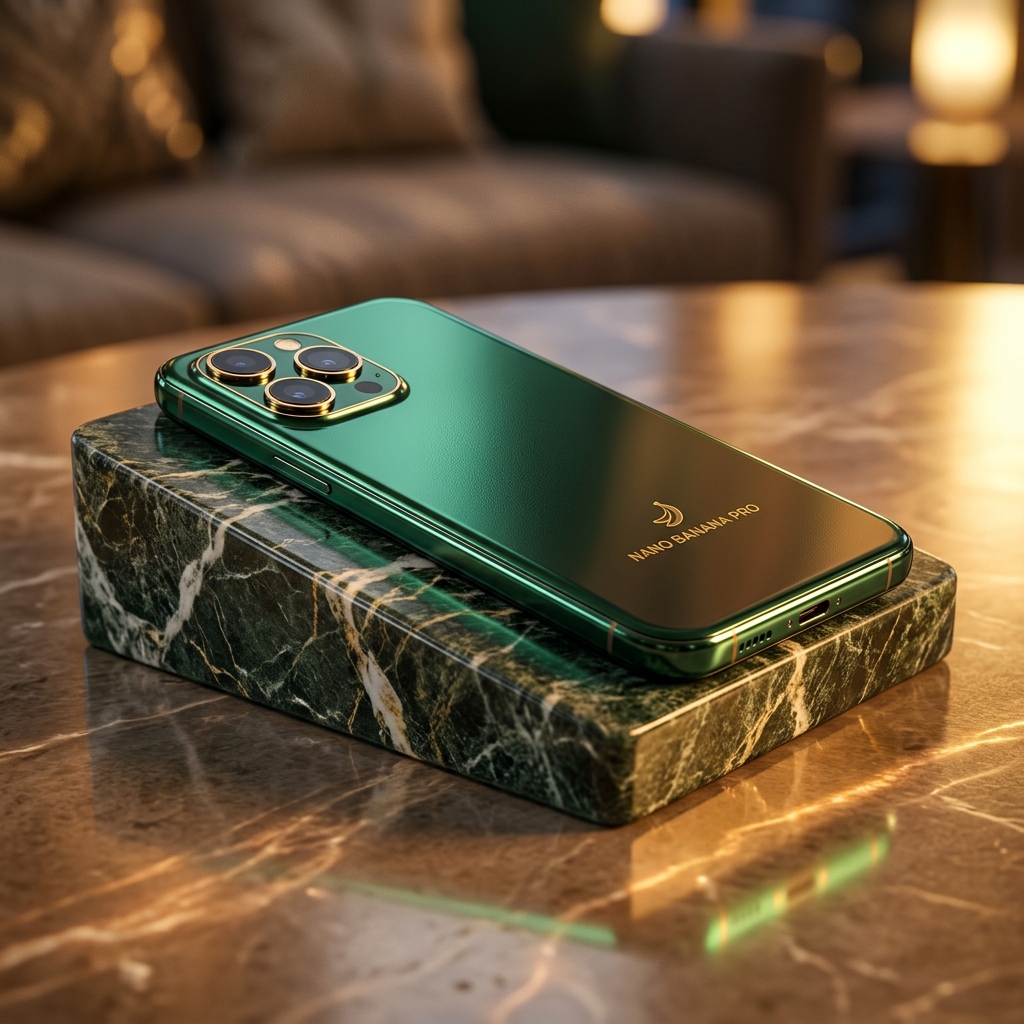
Preserve the product shape and create a refined catalog variant

Refresh the room with brighter neutral materials and balanced contrast
Edit and restyle a reference image with prompt-guided AI image editing while preserving private source uploads and reusable creative direction.
Edit and restyle a reference image with prompt-guided AI image editing while preserving private source uploads and reusable creative direction.
Check the workflow notes, availability details, and related tools before continuing with a generated or uploaded image.
Explore more related image tools to continue your creative workflow:
Image WorkbenchAI Image Tools directoryPrompt libraryAI Image GeneratorImage EnhancerAI Background GeneratorUpload a reference image, then describe the transformation you want.
Yes. The catalog keeps this tool on Product image edit so source images stay private inputs.
Use specific instructions for what must stay unchanged and what should be changed.