
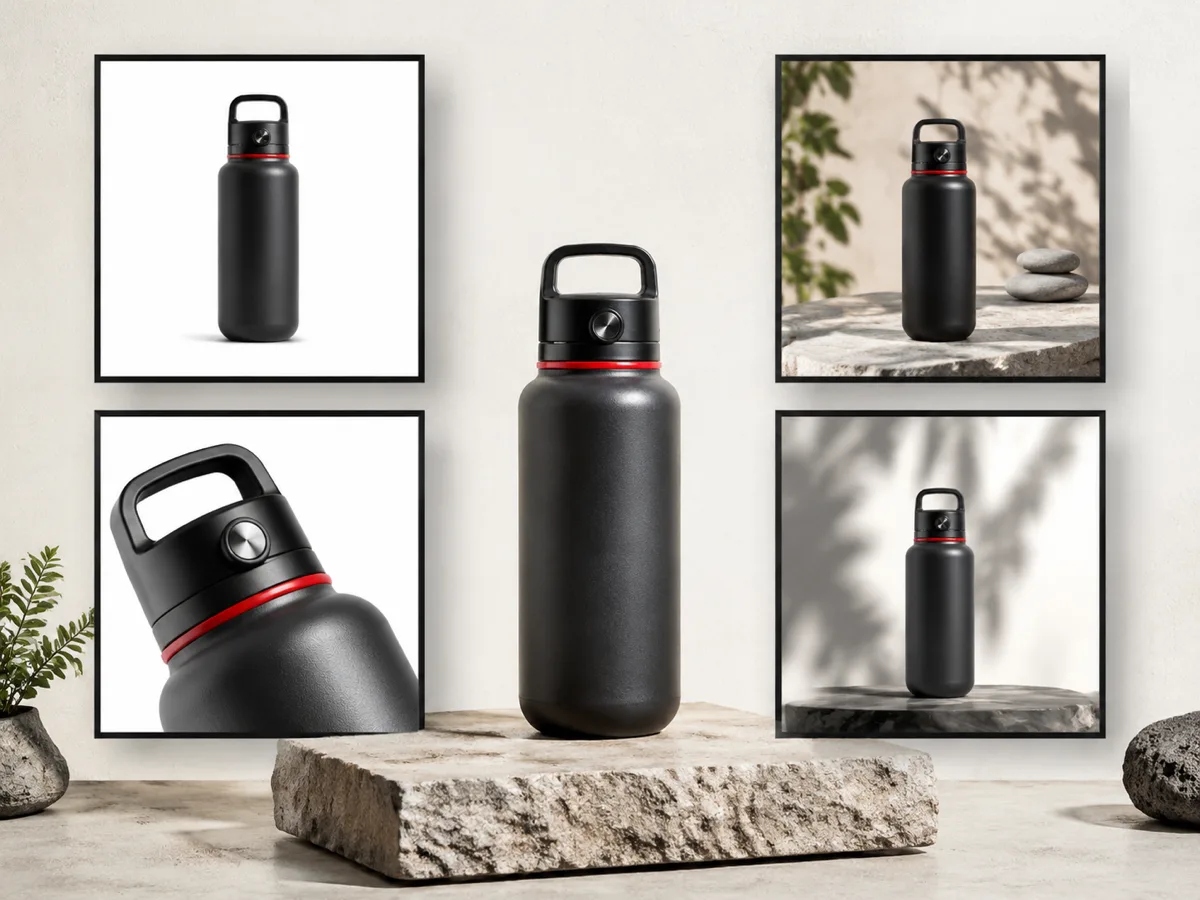
Ecommerce catalog draft
Keep the travel bottle accurate and place it in a clean ecommerce studio scene with soft contact shadows and neutral lighting.
Upload a product image and use AI to refine lighting, change scenes, replace backgrounds, and prepare ecommerce product photo drafts while preserving product details for review.
Upload or select a reference image on the left, then preview and compare the processed result here.
Keep the travel bottle accurate and place it in a clean ecommerce studio scene with soft contact shadows and neutral lighting.

Preserve every product detail and create a restrained lifestyle background with natural window light and realistic scale.
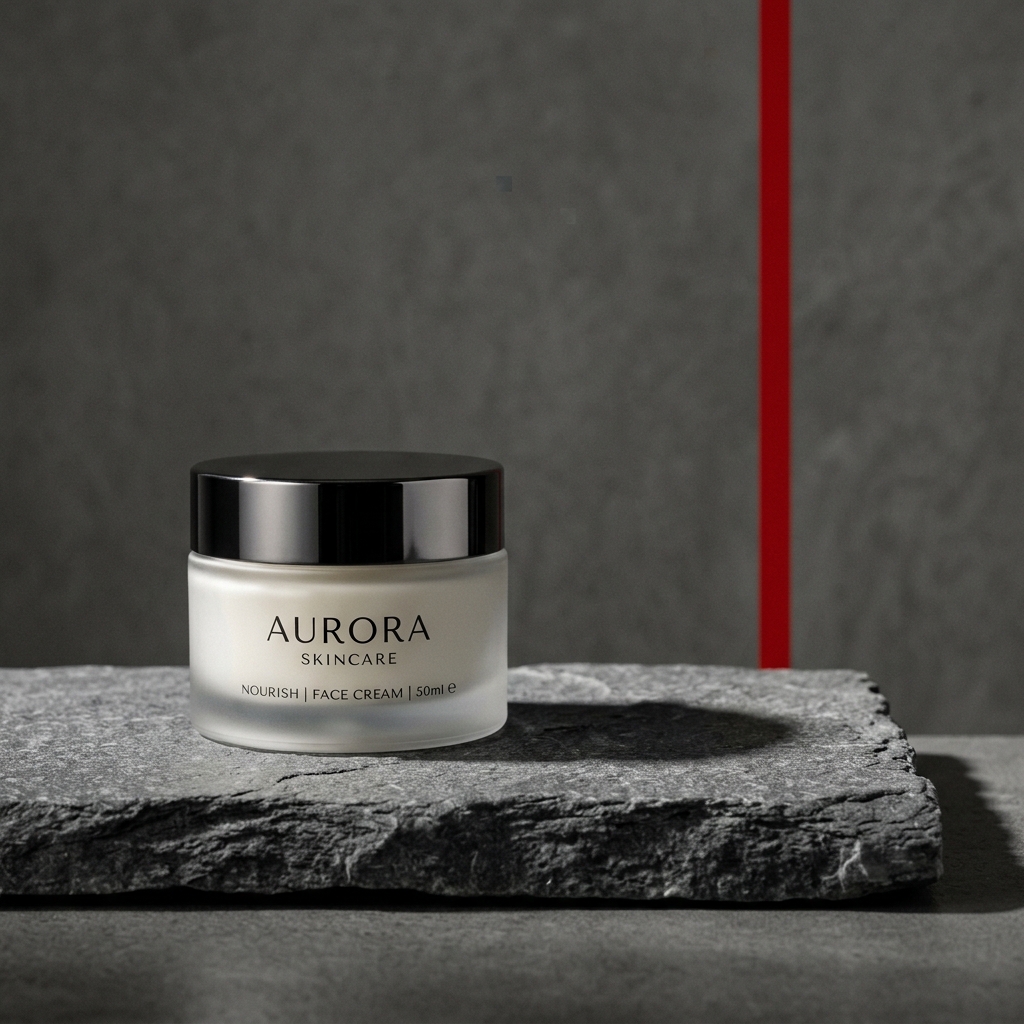
Keep the product and packaging unchanged, refine the lighting, and create a square campaign composition with clear copy space.
Upload a product image and use AI to refine lighting, change scenes, replace backgrounds, and prepare ecommerce product photo drafts while preserving product details for review.
Use the product photo editor for prompt-guided scene, lighting and background changes while keeping an owned product image as the visual reference.
Check the workflow notes, availability details, and related tools before continuing with a generated or uploaded image.
Use the AI product photo editor to refine an owned product image with prompt-guided changes to the scene, lighting, background and presentation while keeping the product itself recognizable.
Product-photo outputs are drafts for ecommerce listings, catalog layouts, campaign concepts and social ads. Every final image still needs rights, product-truth and platform review.
Explore more related image tools to continue your creative workflow:
Image WorkbenchAI Image Tools directoryPrompt libraryBackground RemoverWhite BackgroundResize WebP, PNG & JPG Images OnlineUpload an owned product image, describe the scene, lighting or background change, and state which product details must remain unchanged.
Clear, high-resolution product images with visible edges, readable packaging and balanced lighting give you the strongest source for review.
The source image stays in the private Product editing workflow unless you explicitly publish a result later.
It may. AI product photo editing can use credits; local browser tools such as resize, compression and conversion do not.
Use only source images and brand assets you have rights to edit, then review product accuracy, claims and channel rules before publishing.
Use Background Remover or White Background for focused background work, then resize or compress the reviewed image for its final channel.