
Back/

White Background

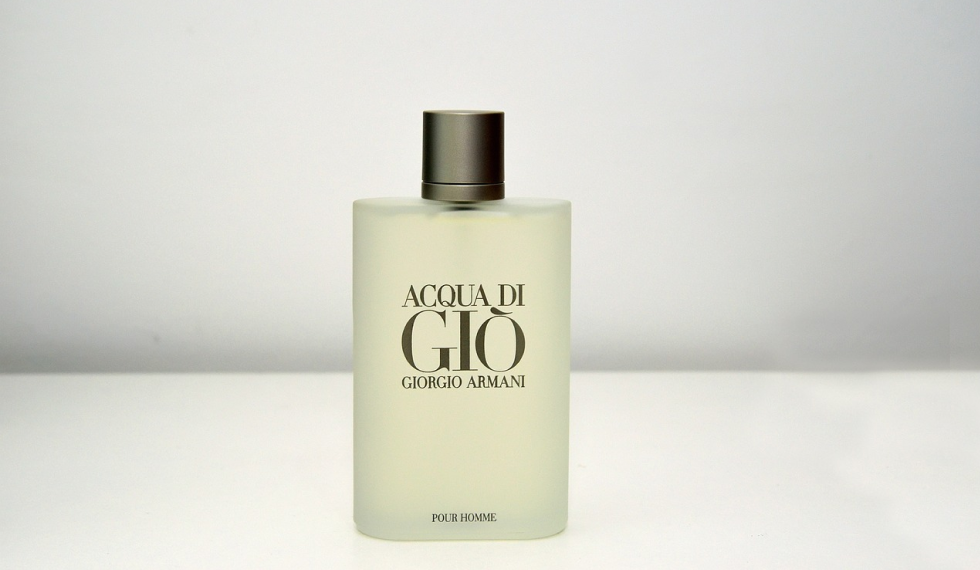
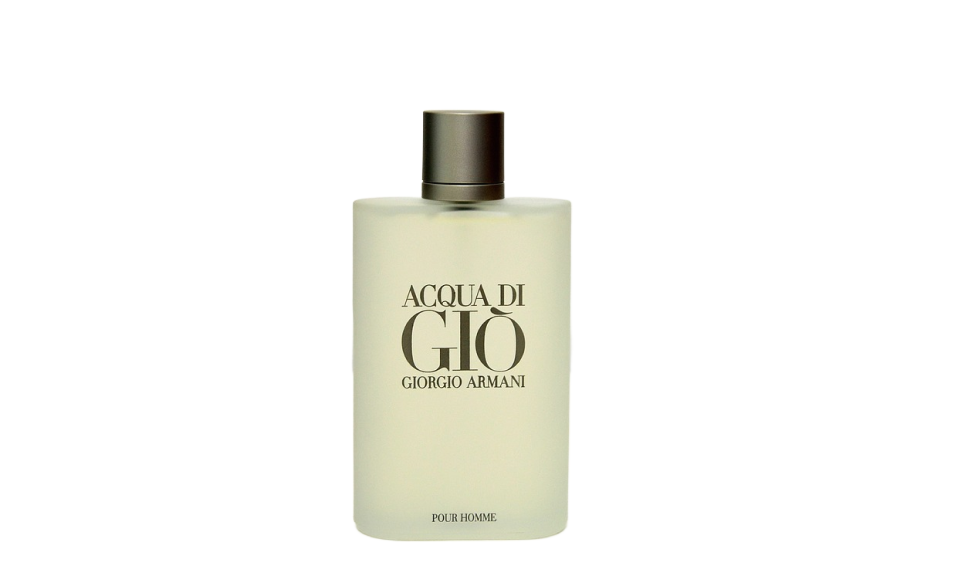
Place subjects on a clean white background for catalog and marketplace images.

Tool runner

Private
Source image
Output
White-background image
Before
Before
After
After
Example

White studio background preview

Upload or select a reference image on the left, then preview and compare the processed result here.

White Background workflow

Place subjects on a clean white background for catalog and marketplace images.

  • 1Start with the runner at the top of the page.
  • 2Review the examples and input notes before exporting.
  • 3Use related tools to continue the visual workflow.

White Background use cases

Use background tools to prepare clean cutouts, white-background product photos and marketplace listing images.

  • 1Create transparent cutouts, white backgrounds and product-photo variants.
  • 2Prepare catalog, listing, ad and social media assets.
  • 3Continue into background generation, upscaling or image editing when those tools are available.

Availability and workflow

Check the workflow notes, availability details, and related tools before continuing with a generated or uploaded image.

Marketplace-style workflow

White-background images help product grids, catalog drafts, marketplace-style listings, profile images and simple ad variants.

  • 1Start with a clear product or object image.
  • 2Review centering, crop, shadow and product outline after the background is replaced.
  • 3Resize and compress the final white-background draft for the target channel.

Commercial review boundary

A white background is a draft preparation step, not a promise that a marketplace will approve the image.

  • 1Check product shape, packaging text, logo accuracy and platform rules.
  • 2Use only products, packaging and people you have rights to use.
  • 3Keep transparent background available when the design needs overlays instead of a white canvas.

FAQ

How does white background replacement work?

The workflow removes the original background and places the subject on a clean white studio background.

When should I use it?

It is useful for marketplace, catalog, profile, and product listing images that need a simple white backdrop.

Can I use commercial images?

Use images you own or have permission to edit, especially for branded products, packaging, or people.

Can I use it for product photos?

Yes. It is designed for product, catalog and marketplace-style drafts with a clean white canvas.

Does it use credits?

Credits are estimated before submit from Product configuration and settled from the completed task.

Does Voloshow guarantee marketplace approval?

No. White-background output is a draft; you must review product accuracy and each platform's rules before publishing.