
Back/

AI Background Generator

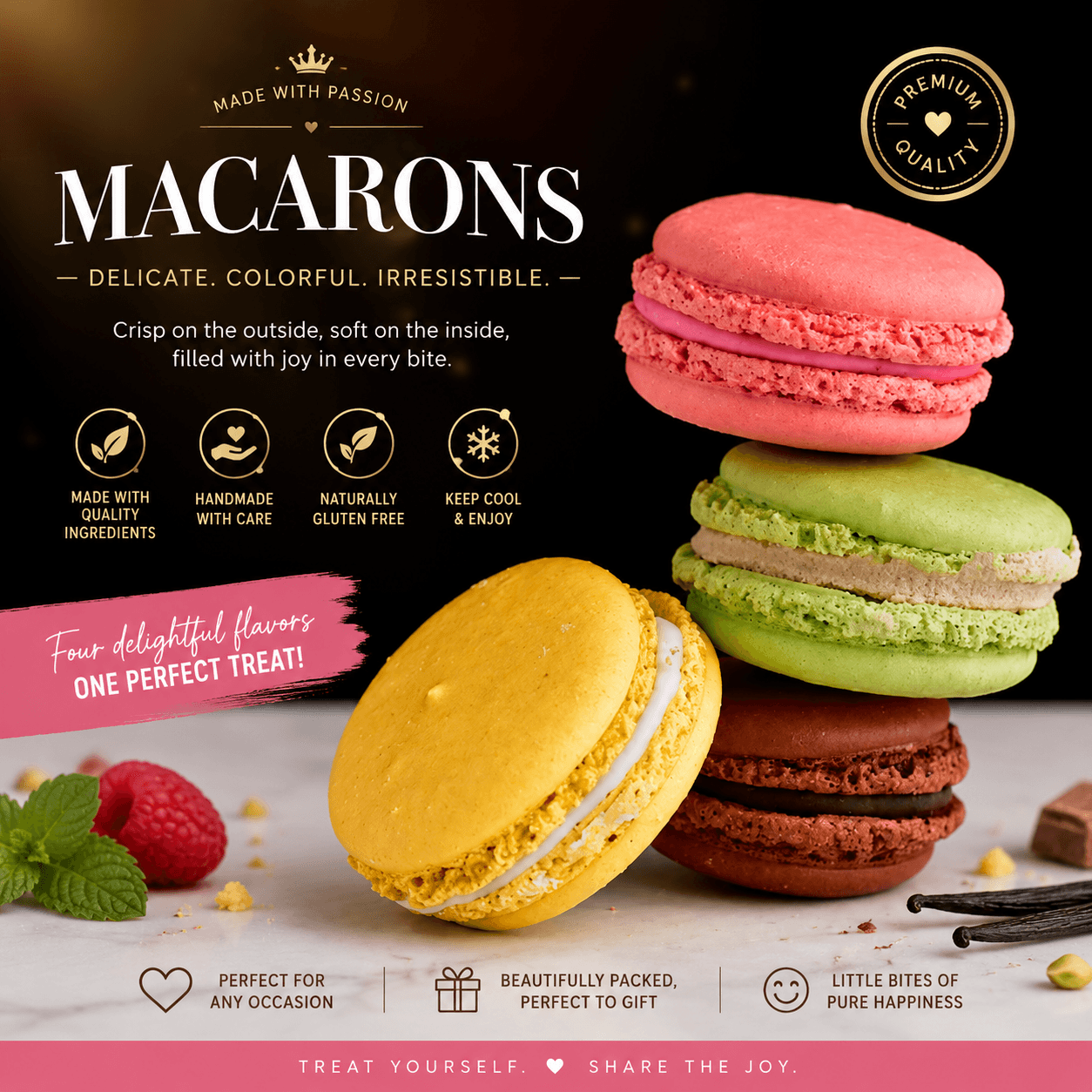
Generate a new scene around an uploaded subject with a guided Product background workflow.

Tool runner

Private
Source image
Aspect ratio
Before
Before
After
After
Example

Generated background preview

Upload or select a reference image on the left, then preview and compare the processed result here.

AI Background Generator workflow

Generate a new scene around an uploaded subject with a guided Product background workflow.

  • 1Start with the runner at the top of the page.
  • 2Review the examples and input notes before exporting.
  • 3Use related tools to continue the visual workflow.

AI Background Generator use cases

Use background tools to prepare clean cutouts, white-background product photos and marketplace listing images.

  • 1Create transparent cutouts, white backgrounds and product-photo variants.
  • 2Prepare catalog, listing, ad and social media assets.
  • 3Continue into background generation, upscaling or image editing when those tools are available.

Availability and workflow

Check the workflow notes, availability details, and related tools before continuing with a generated or uploaded image.

Product background workflow

Generate new backgrounds around products, portraits or objects when the source subject needs a campaign, catalog or social scene.

  • 1Upload a source image with clear subject boundaries.
  • 2Describe the background, lighting, mood and channel use case.
  • 3Review subject shape, shadows, packaging and brand details before publishing.

Commercial background boundary

Generated backgrounds are creative drafts, and provider output still needs rights and accuracy review.

  • 1Use only source materials you have rights to edit.
  • 2Do not claim marketplace approval from a generated background.
  • 3Continue to resize, compress or upscale after the scene is reviewed.

FAQ

How does AI background generation work?

Upload a source image, describe the scene you want, and generate a new background around the subject.

Which images work best?

Product shots, portraits, and objects with clear subject boundaries work best.

Does this use credits?

Credits are estimated before submit and settled when the Product task finishes.

Can I use it for product photos?

Yes. Upload a product image you have rights to edit and describe the commercial background you need.

Should I remove the background first?

It can help when the source has a busy scene, but the best workflow depends on the subject and provider output.

What should I review before publishing?

Check product shape, shadows, packaging, logos and platform rules before using a generated background publicly.