
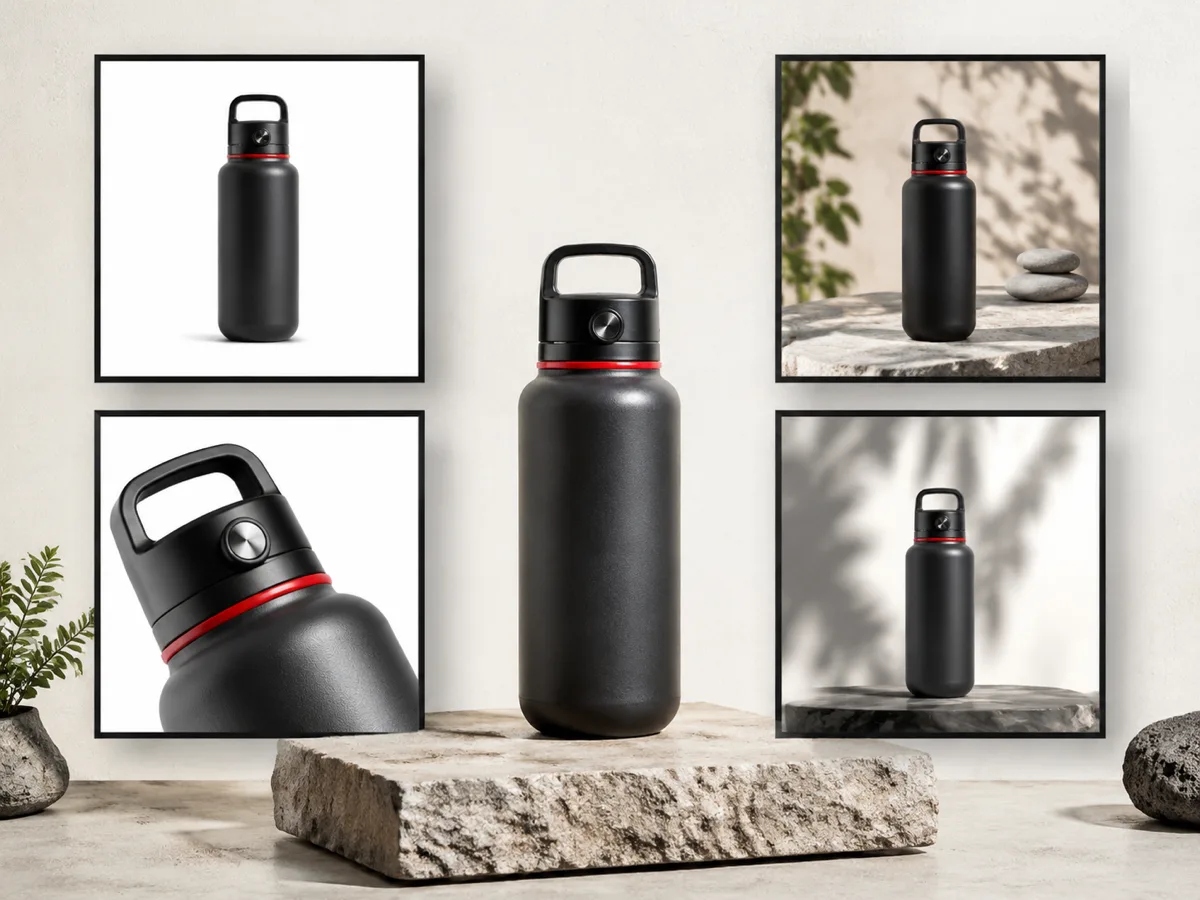
Product Photo
Studio product sheet for a black travel bottle, multiple commercial crops, stone surface, natural shadows, clean ecommerce layout.
Erstellen Sie Originalbilder aus Text-Prompts.
Konfiguriere Prompt und Einstellungen links und generiere dann, um das Ergebnis hier zu sehen.
Studio product sheet for a black travel bottle, multiple commercial crops, stone surface, natural shadows, clean ecommerce layout.
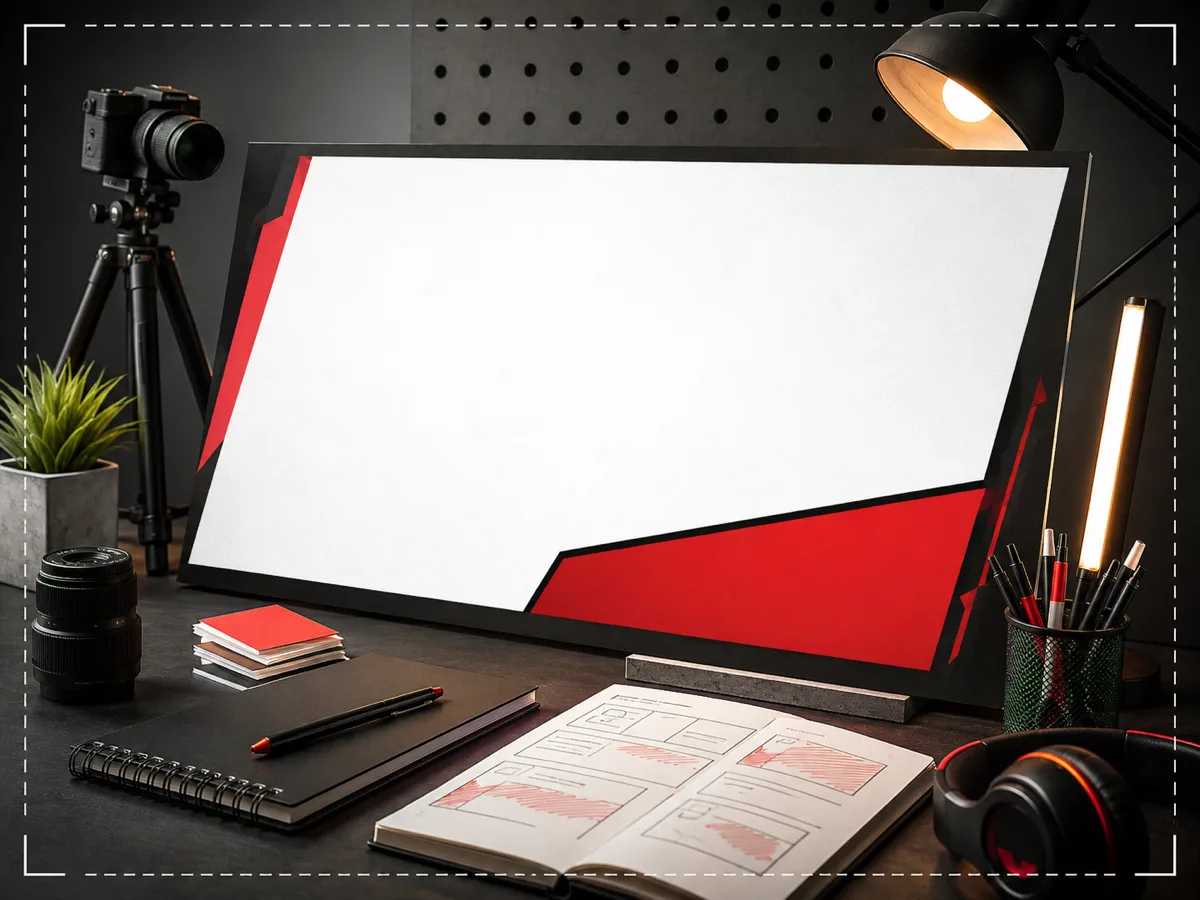
Photography desk poster layout with white canvas, red graphic border, studio lights, camera gear and strong space for launch typography.
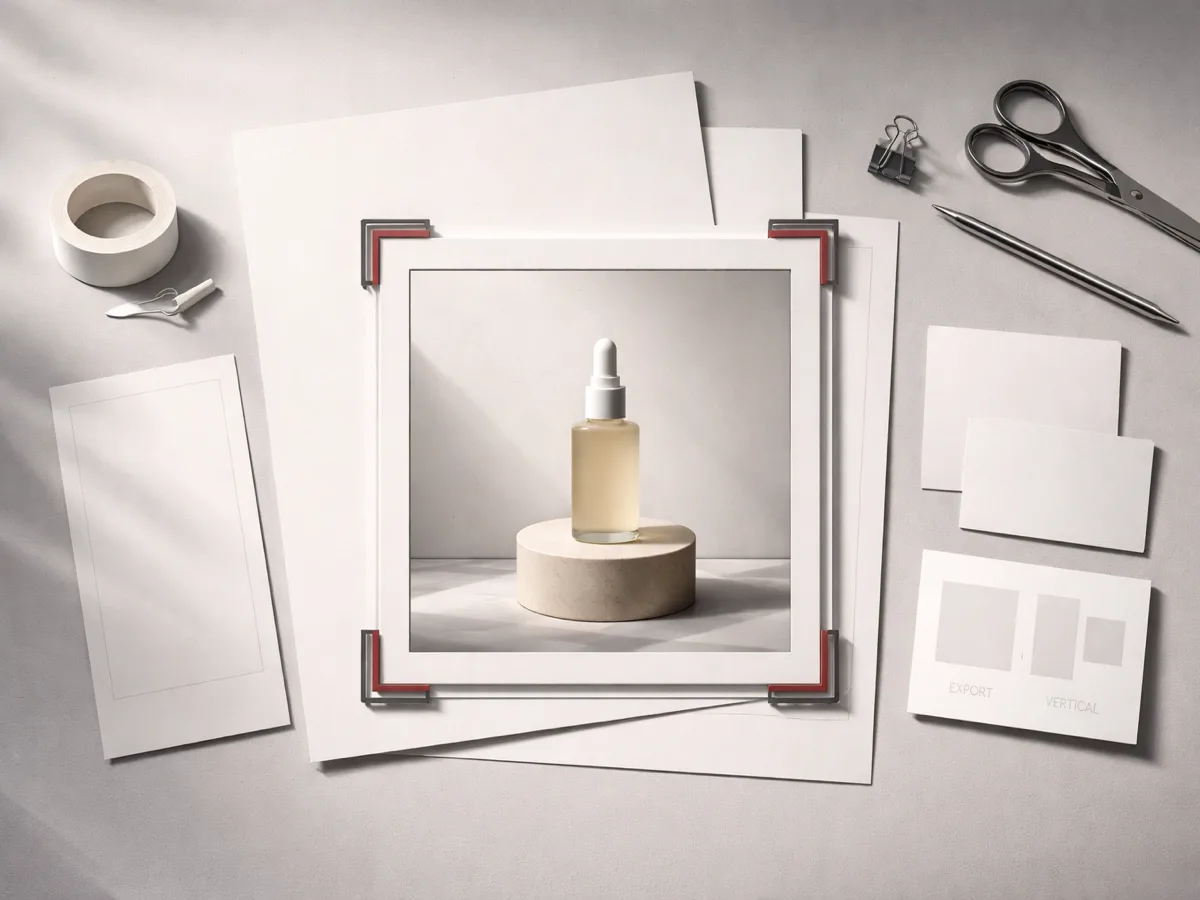
Square social post visual with a product scene framed on paper, desk props, soft daylight and clean copy space.
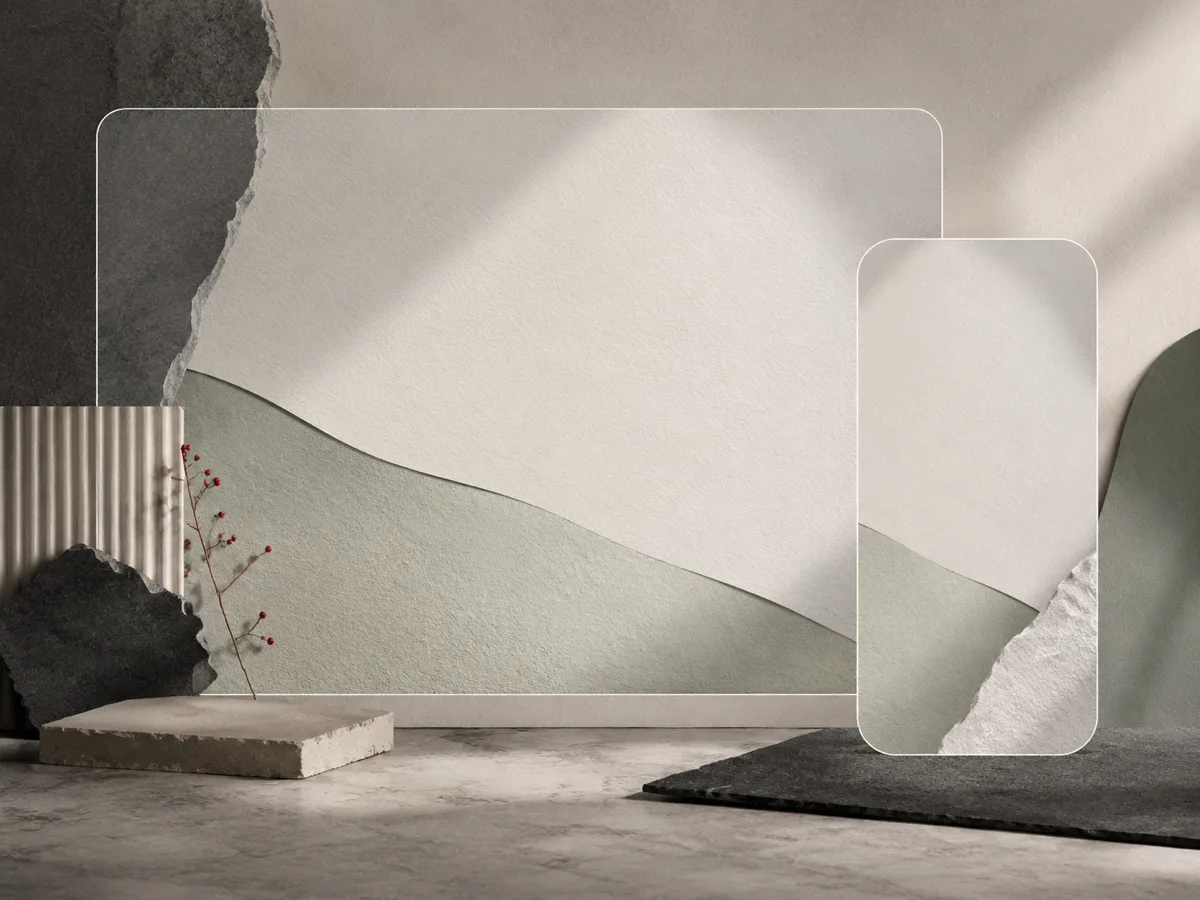
Widescreen abstract wallpaper with layered paper, translucent glass, neutral stone textures and soft natural light.
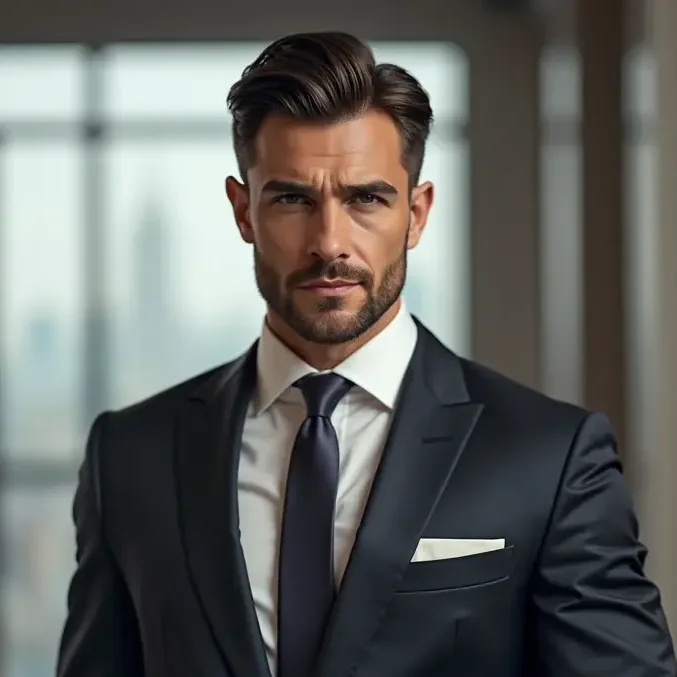
Editorial business portrait with sharp suit styling, window light, neutral office background and realistic skin texture.
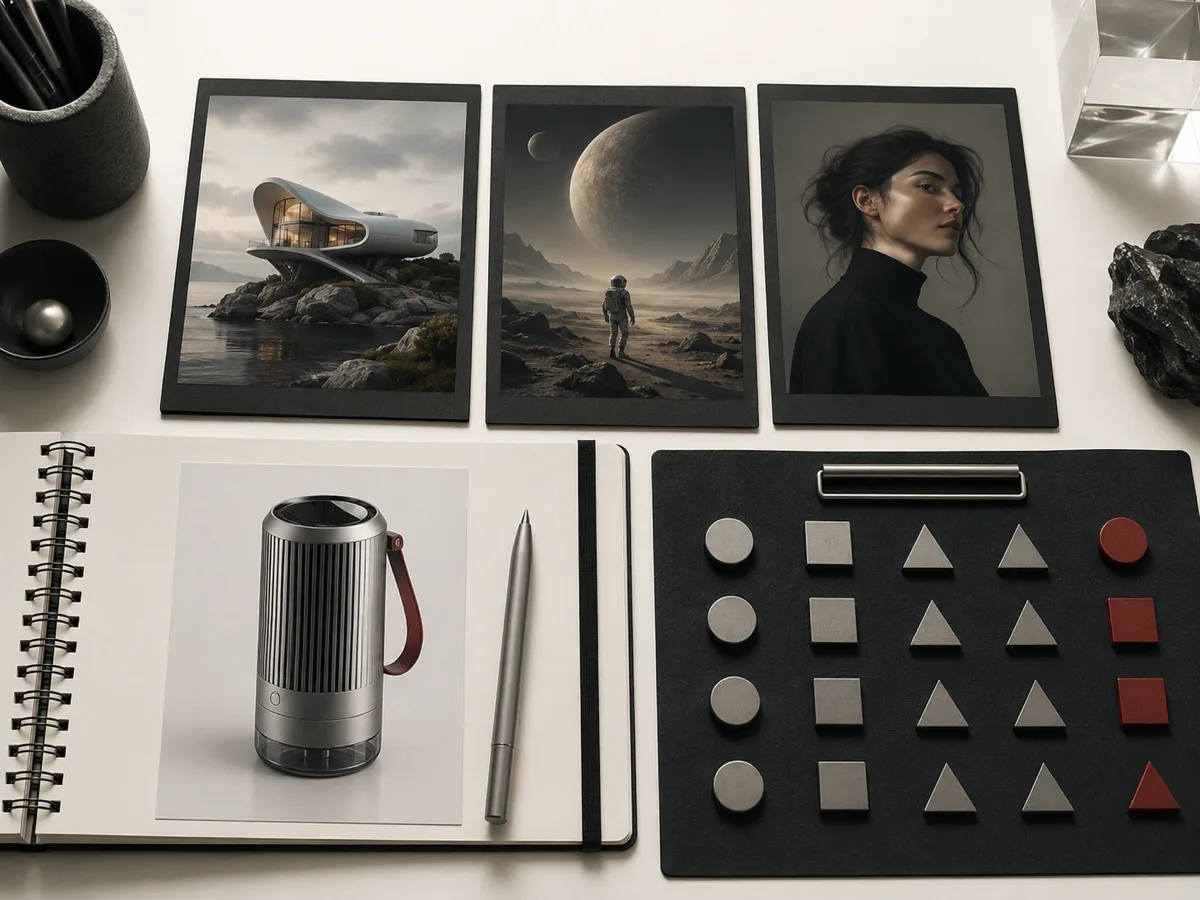
Brand concept board with product photography, monochrome swatches, desk tools, premium materials and precise overhead lighting.
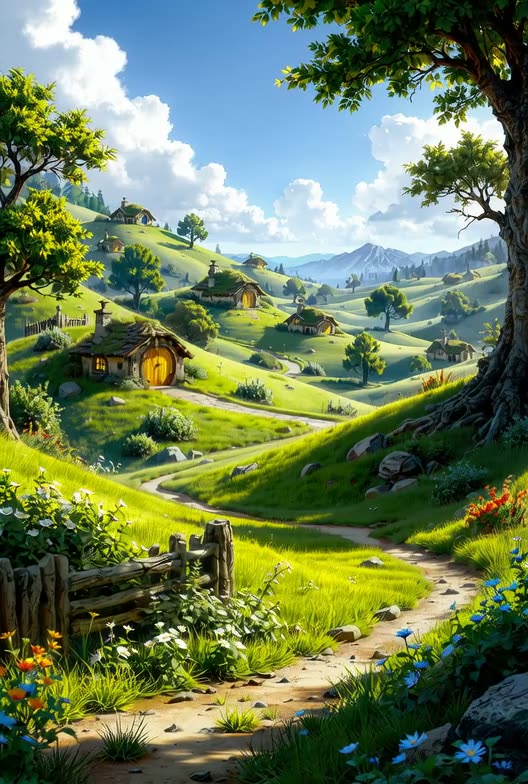
Illustrated book cover landscape with a bright valley, cottage, distant mountains and clear room for title typography.
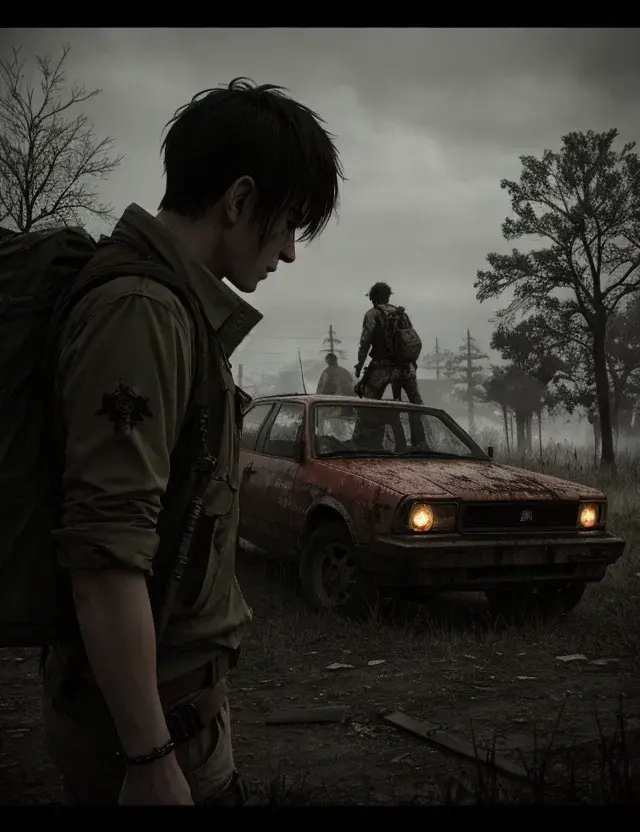
Cinematic image-to-video source frame with a lone character, damaged car, foggy forest road and controlled depth.
Beginnen Sie mit einem konkreten Ausgabetyp und ergänzen Sie Motiv, Komposition, Licht, Seitenverhältnis und Veröffentlichungskontext vor der Generierung.
Nutzen Sie den Generator für promptbasierte kommerzielle Entwürfe und kreative Quellbilder, wenn das finale Material noch menschliche Prüfung benötigt.
Prüfen Sie die Workflow-Hinweise, Verfügbarkeitsdetails und verwandten Tools, bevor Sie mit einem generierten oder hochgeladenen Bild fortfahren.
Nutzen Sie Text-Prompts, um kommerzielle Visuals, Produktkonzepte, Kampagnenbilder und Markenmaterial zu entwerfen, und prüfen Sie anschließend Genauigkeit und Rechte.
Generierte Bilder sind standardmäßig privat, die kommerzielle Nutzung hängt jedoch von den Rechten an Prompts, Marken, Abbildern und hochgeladenen Referenzen ab.
Entdecken Sie weitere intelligente Bildwerkzeuge, um Ihren kreativen Arbeitsablauf fortzusetzen:
Bild-ArbeitsplatzKI-Bildtools-VerzeichnisPrompt-BibliothekBild-zu-BildKI-Hintergrund-GeneratorBild-VerbessererUse a clear subject, visual style, composition, and output use case.
Yes. The runner can pass the selected aspect ratio through the Product generation payload.
Generated assets remain private unless a later flow explicitly publishes them.
Yes. Credits are estimated from the active Product configuration before submit and settled from the finished task.
You must review the output and ensure you have rights to any brands, likenesses, packaging or references involved.
Check product shape, readable text, logos, claims and platform rules before using an AI-generated draft publicly.