
Direct answer
Use model comparisons to choose a workflow, not to chase one universal winner. GPT Image 2, Nano Banana, Midjourney, and Imagen each emphasize different prompt, reference, editing, or image-generation patterns. In Voloshow, start from the available catalog, test a concrete prompt, and finish with focused image tools.
Comparison frame
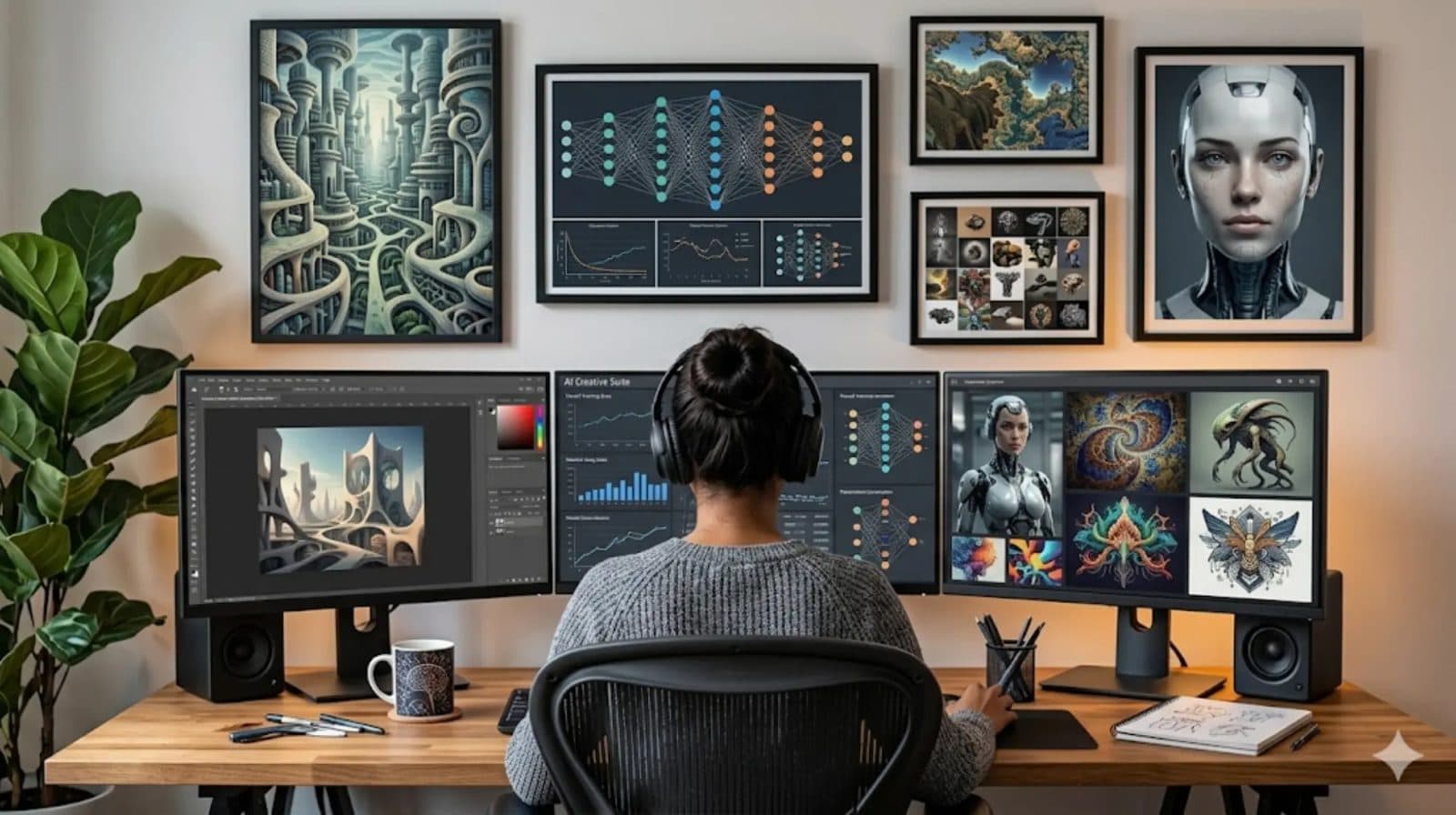
The practical comparison is about workflow fit: prompt structure, reference-image handling, text control, iteration style, output review, and export handoff. Treat any model name as a live capability that must be checked against the current product surface before you promise it on a landing page.
Step-by-step comparison test
Pick one owned subject, write one neutral prompt, keep the same output type, and test only the variables you care about. Compare shape preservation, text artifacts, material realism, crop usefulness, and how much cleanup is needed after generation.
- Use one owned source image.
- Keep the same ratio and output type.
- Score outputs by reviewability, not hype.
Voloshow route after comparison
After the comparison, route accepted candidates into the right finishing step: Image Enhancer for quality, Background Remover or White Background for product cleanup, Image Resizer for channel variants, and Image Compressor for web exports.
Workflow steps
- 1
Pick one test brief
Use one owned product, poster, render, or source-frame task instead of comparing vague model quality.
- 2
Control the variables
Keep ratio, output type, and source material stable while changing only the workflow being tested.
- 3
Score the result
Review product truth, text artifacts, reference adherence, cleanup effort, and export readiness.
- 4
Route the winner
Send the accepted image into enhancement, background cleanup, resize, or compression.
Publishing and workflow notes
| GPT Image 2 | Use for structured prompt workflows and Voloshow image-generation planning. Check current Product catalog before making availability claims. |
|---|---|
| Nano Banana | Use as a Gemini image-generation research topic when conversational editing and references matter. Keep provider naming factual and current. |
| Midjourney | Use as a reference-heavy creative workflow comparison point. Do not publish unsupported benchmark claims. |
| Imagen | Use as a text-to-image workflow comparison point for single-shot image creation. Review current Google documentation before refreshing claims. |
Common mistakes to avoid
- Writing a model comparison as a permanent ranking.
- Claiming provider availability that the current product catalog does not show.
- Comparing outputs without the same subject, ratio, prompt, and review criteria.
Prompt examples
Copy-ready starts
Copy an example, then replace the subject and production details with material you can use.
A precise studio product hero image of an owned matte ceramic speaker on a graphite plinth, crisp grounding shadow, softbox reflection, realistic texture, no logo or generated text.
A no-text campaign poster art concept for an AI creative studio, monochrome paper set, one scarlet accent line, strong negative space, realistic print grain.
A stable source frame for image-to-video, one centered product, consistent light direction, clean background, enough edge space for a slow camera move.
Describe the reference as subject, material finish, lens angle, shadow direction, aspect ratio, and intended output use for a clean commercial concept.
A square social campaign visual with one hero object, layered paper set, blank copy-safe area, realistic studio lighting, no fake platform UI.
Using an owned product reference, create a studio image that preserves object shape and material while changing only background and lighting.
Create a simple product poster background with a blank label area and no final generated text, so typography can be added after review.
Translate the reference style into neutral material, color, light, and composition notes without naming a protected brand or artist.
FAQ
Frequently asked questions
No. It compares workflow fit and prompt planning, because live model quality, pricing, access, and version behavior change over time.
Start with the Voloshow generation workflow and the available model catalog, then use image tools for finishing steps.
Care about references when product shape, style continuity, character consistency, or brand mood needs more control than text alone.
Avoid fake benchmarks, unsupported provider claims, and model availability statements that are not reflected in the current product catalog.
Keep exploring
Related features
Related use cases
Related prompts
Next action
Compare one prompt across your available workflow.
Use Voloshow to test a concrete prompt, then judge the result by review and export readiness.

Voloshow Editorial
Practical, source-aware guides for AI image, editing, product, and video workflows.