


Example media
Reviewed visual examples
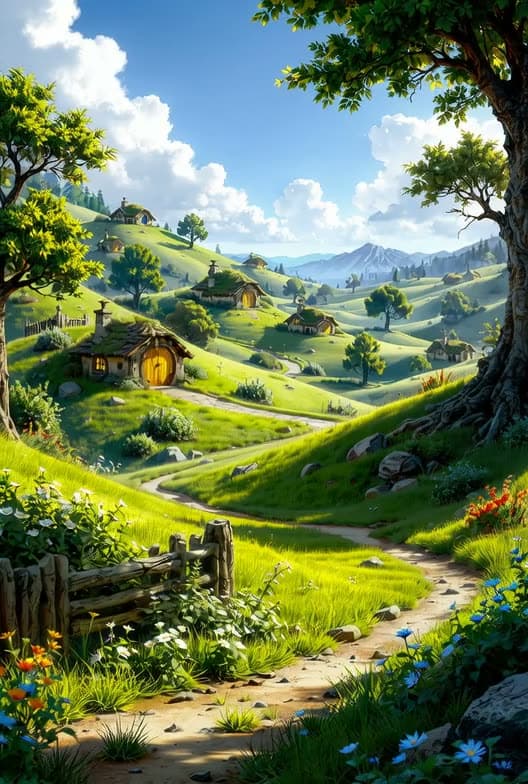


How to use in Voloshow
Workflow steps
- 1
Define the design question
Decide whether the render tests massing, material, interior mood, facade, or landscape integration.
- 2
Write a concept prompt
Include site, camera, material, scale cues, time of day, and a concept-only boundary.
- 3
Compare candidates
Reject images with impossible scale, misleading structure, signage artifacts, or copied references.
- 4
Export for review
Enhance and resize only the candidate that clearly supports the design conversation.
Specs
Use case status and media context
| Best output | Concept render, mood board, material study, presentation crop. |
|---|---|
| Table use | Exterior, interior, facade, landscape, deck export. |
| Review | Feasibility, codes, scale, material truth, reference rights. |
| Tool path | Generate, Image to Prompt, Image Enhancer, Image Resizer. |
Common mistakes
Avoid these before publishing
- Presenting generated renders as code-compliant or construction-ready documentation.
- Leaving out scale cues, material details, or site context.
- Copying recognizable buildings, interiors, or protected design references too closely.
Next action
Create a concept render for one design question.
Use Voloshow for visual exploration and keep feasibility, documentation, and client approval in the professional review process.
Use-case fit
AI architecture renders are useful for early visual direction, material mood, site atmosphere, and presentation exploration. They should not be treated as measured drawings, code-compliant designs, construction documents, or approved client deliverables.
Workflow
Define the building type and site context, generate a concept render, compare material and scale cues, enhance one presentation candidate, then export crops for a deck or design review.
- Use concept language.
- Keep scale cues visible.
- Separate mood renders from documentation.
Review boundary
Review feasibility, accessibility, code constraints, structural assumptions, real material performance, client approvals, and rights to any reference images before using a render in a formal proposal.
Prompt examples
Copy-ready starts
Copy an example, then replace the subject and production details with material you can use.
A conceptual architecture render of a small hillside visitor center, timber and glass, morning light, human-scale path, wide lens, presentation mood study, not construction documentation.
A quiet interior material study for a reading room, warm timber walls, stone floor, soft daylight, clear scale cues, no furniture brand logos.
A facade concept render for a compact studio building, layered brick and metal screens, overcast daylight, street-level view, realistic shadows, no signage text.
An architectural concept image showing a low building integrated into a garden slope, native planting, pedestrian path, soft afternoon light, review-safe concept render.
A clean presentation render crop of an original pavilion, material detail visible, calm background, no plan labels, no construction claim.
FAQ
Frequently asked questions
No. Treat generated renders as concept visuals. They do not replace measured plans, code review, structural review, or professional documentation.
Describe building type, site context, massing, materials, time of day, camera angle, scale cues, and whether the image is exterior, interior, or mood study.
Use Generate for concept images, Image to Prompt for reference breakdowns, Image Enhancer for presentation drafts, and Resizer for deck exports.
Review feasibility, material truth, scale, accessibility, codes, rights to references, and whether the image implies a design decision not yet approved.