Prompt formula
Start with subject and output type, then add setting, material, light, camera, ratio, and one quality boundary. A strong prompt is not just longer. It is easier to review because every part of the sentence explains what the output should do. The simplest reusable formula is: subject, use case, environment, material, light, lens or crop, output format, and what to avoid.
- Subject: one concrete object or scene.
- Context: product, poster, wallpaper, storyboard, or social ad.
- Control: lighting, ratio, texture, and what to avoid.
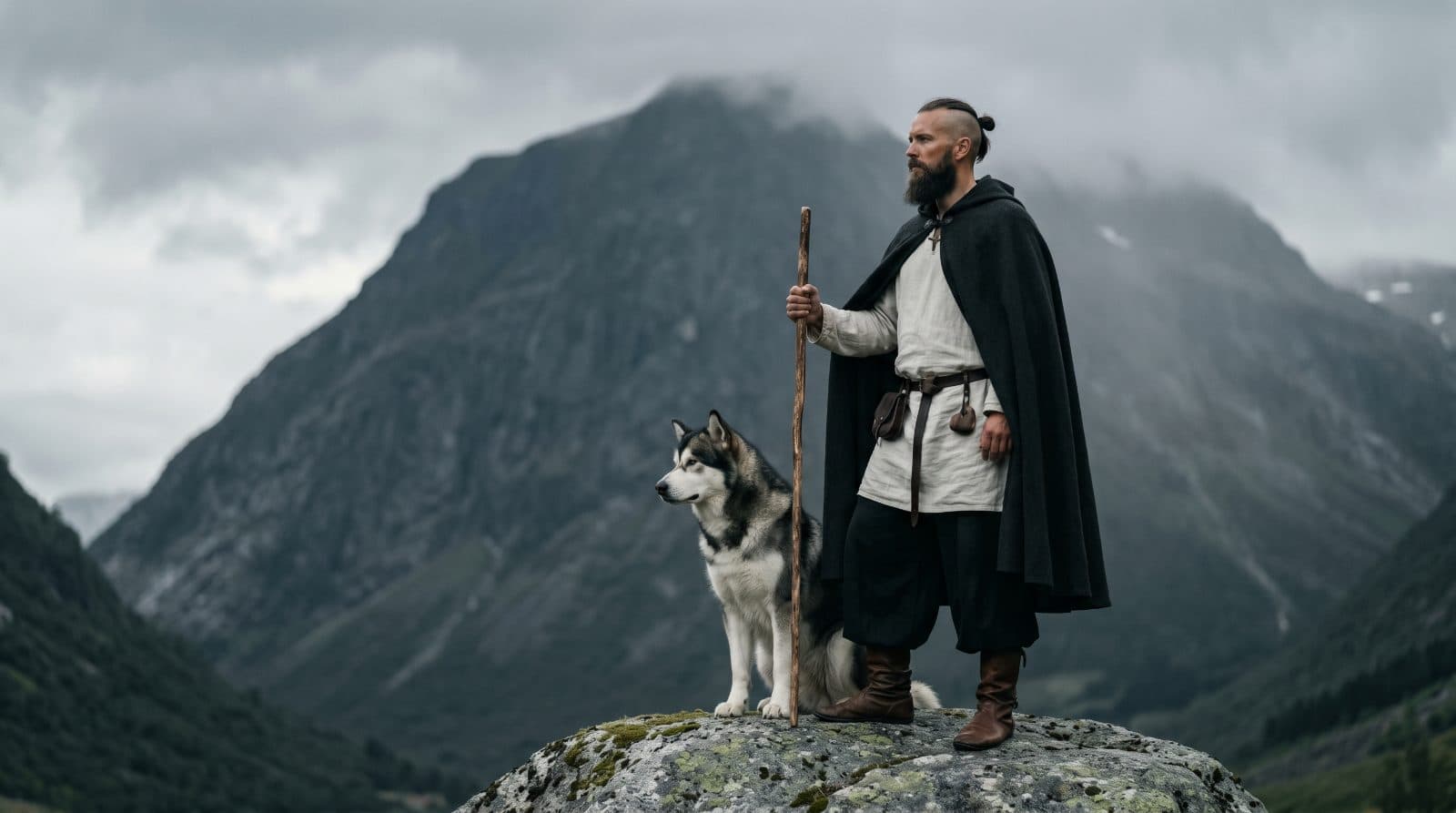
Step-by-step Voloshow workflow
Open Generate, pick the available image model, paste a starter prompt, and replace all placeholder subjects with owned or rights-safe material. Compare the first outputs for product truth, readability, and composition before spending more time on variations. Once a candidate works, move to Image Enhancer, Background Remover, Image Resizer, or Image Compressor based on the actual finishing task.
Prompt examples by output type
Product prompts should protect shape and surface truth. Poster prompts should reserve negative space and avoid fake app screenshots. Wallpaper prompts should remove readable text and preserve safe crop zones. Social prompts should reserve final copy for the design stage. Source-frame prompts for video should keep the subject stable and the motion implied but not already moving.
Common mistakes
Most weak prompts overuse broad style labels, request too many unrelated outputs, or include rights-sensitive brands and likenesses without permission. Another common failure is asking the generator to create final typography, UI screenshots, marketplace badges, or performance claims that need a separate review step.
Internal tool handoff
Use Voloshow as a workflow, not a single prompt box. Generate the base visual, compare outputs, then use image tools for resize, prompt extraction, enhancement, or background cleanup. This keeps each step easier to review, and it gives crawlers and users a clearer map from prompt guide to actual tool routes.
Prompt review rubric
Review each prompt against six checks before spending more credits: the subject is concrete, the output format is named, the lighting can be imagined, the camera or crop is controlled, the usage context is clear, and the safety boundary is explicit. A prompt that says "premium futuristic scene" is difficult to debug because the result can fail in many ways at once. A prompt that names the product, surface, lens, ratio, background, and what to avoid gives you a practical reason to keep or reject each candidate. This rubric also helps teams compare versions without arguing over taste alone.
- One subject and one output type per prompt.
- Use camera, material, lighting, and ratio as reviewable controls.
- Add one safety or publishing boundary before generation.
How to read the example images
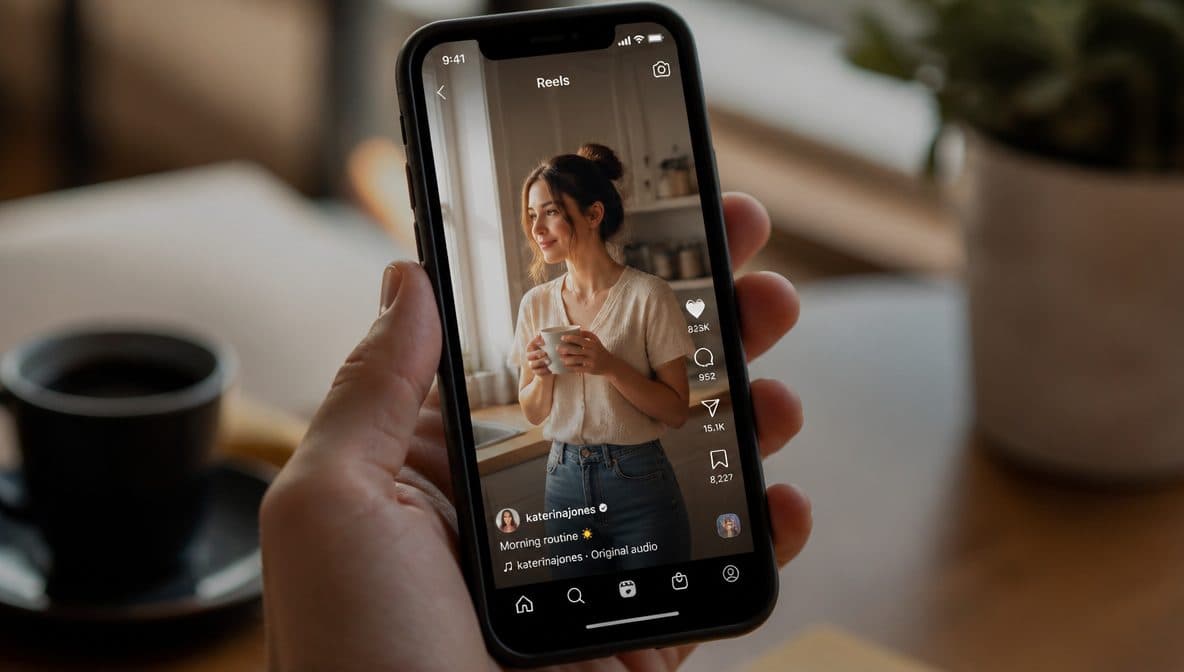
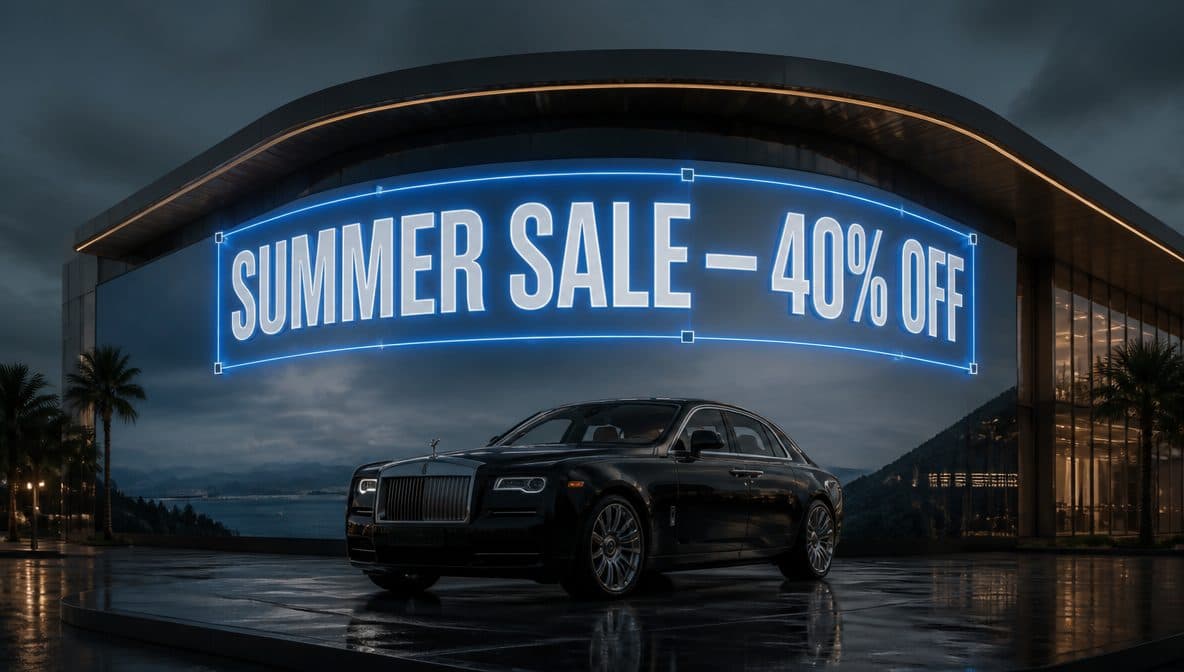
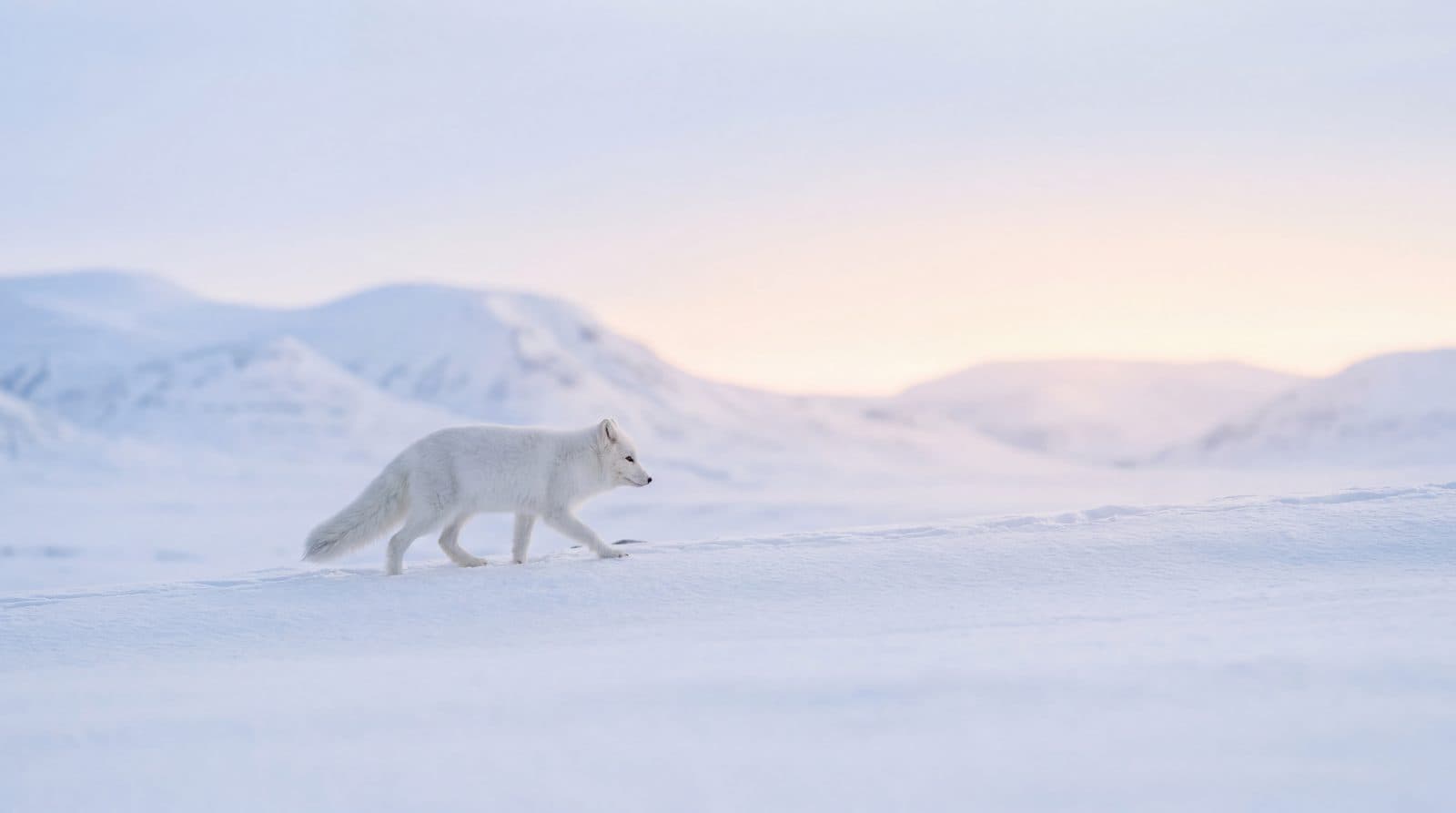
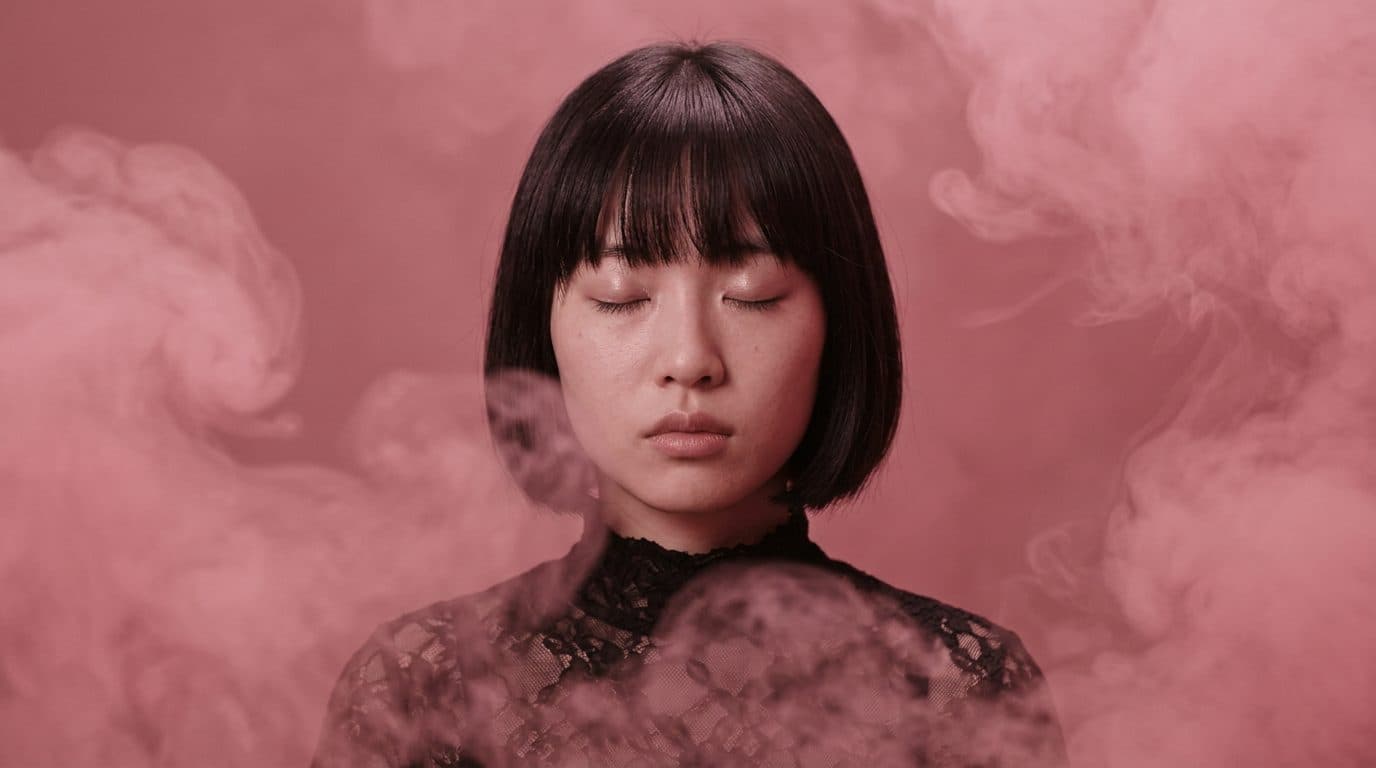
The example images on this guide are not decorative. They show three different jobs that prompt writers usually mix together: generating a polished image, translating a reference into prompt language, and preparing a visual that can move into a later editing tool. When you review your own results, ask which job the image is doing. If the image is a source frame, stability matters more than visual drama. If it is a product hero, shape truth and surface detail matter more than style. If it is a poster or social visual, reserved copy space and no generated typography matter more than filling every corner of the canvas.
Credits and iteration discipline
Treat credits as an iteration budget. Start with one strong prompt and generate a small comparison set before rewriting everything. If every candidate fails for the same reason, fix the prompt. If one candidate works but needs cleanup, move to a focused tool instead of spending more generations on a problem that resize, background cleanup, enhancement, or prompt extraction can solve. This is the practical reason the guide links to internal Voloshow tools: the fastest workflow is often a short generation pass followed by one precise finishing step.
Publishing readiness
A good image prompt can produce a strong draft, but it does not prove that the draft is ready to publish. Before using an output in a listing, ad, thumbnail, wallpaper pack, book cover, or video source frame, check rights, brand marks, likenesses, product claims, generated text, and final crop. Keep the generator responsible for visual exploration and keep final policy, copy, and commercial decisions in a reviewed workflow. That separation is what keeps prompt examples useful instead of turning them into unsupported promises.
Team handoff checklist
When a prompt is ready to hand to another teammate, include the prompt text, chosen ratio, source or reference notes, model or route used in Voloshow, the best candidate image, and a short reason why that candidate passed review. Add notes for what still needs manual design work, such as final typography, claims, crop, or export size. This makes the prompt guide operational: another creator can reproduce the logic, understand which parts are safe to change, and avoid spending credits on already-settled decisions.
Workflow steps
- 1
Choose the output type
Decide whether the prompt should create a product image, poster, wallpaper, social post, book cover art, or source frame.
- 2
Build the prompt in layers
Write subject, environment, material, light, camera, ratio, and one review boundary in that order.
- 3
Generate and compare
Use the current Voloshow model catalog, compare candidates, and keep the most reviewable result.
- 4
Finish with a dedicated tool
Use cleanup, resize, compression, enhancement, or prompt extraction tools instead of overloading the generation prompt.
Publishing and workflow notes
| Author | Voloshow Editorial |
|---|---|
| Updated | 2026-06-06 |
| Best next step | Generate a base image, then refine with focused tools. |
| Review boundary | Rights, likenesses, brand marks, product claims, and final usage. |
Common mistakes to avoid
- Writing a long list of style adjectives without subject, camera, material, or output purpose.
- Asking for final readable typography in product, social, or book-cover images.
- Using unowned brands, celebrity likenesses, protected characters, or claims that need review.
- Assuming the prompt guide guarantees one fixed provider or credit cost.
Prompt examples
Copy-ready starts
Copy an example, then replace the subject and production details with material you can use.
A precise studio product hero image of a matte ceramic speaker on a graphite plinth, crisp grounding shadow, softbox reflection, realistic surface texture, editorial catalog lighting, no logo or text.
A cinematic launch poster for an AI creative studio, monochrome paper set, one scarlet accent line, realistic print grain, clean negative space, no fake interface screenshots.
A wide desktop wallpaper showing a quiet creative desk, polished metal tools, soft screen reflections, high-detail natural light, no text, no brand marks, calm negative space.
A refined image prompt describing one object, material finish, lens angle, shadow direction, aspect ratio, and output use for a clean commercial concept.
A square campaign visual with one hero object, layered white paper, deep graphite background, scarlet trim detail, blank space for later copy, realistic studio lighting.
A single owned product on a neutral paper set, accurate shape, crisp edges, soft contact shadow, realistic reflections, ecommerce-ready crop, no badges or invented text.
A no-text book cover art concept with a narrow hallway, dramatic shadow, refined negative space, original scene, title area left empty for manual typography.
A vertical mobile wallpaper with layered glass and paper textures, soft daylight, clean top area for clock widgets, no readable text, no logos.
A close crop of an owned product texture, realistic side lighting, crisp material detail, neutral background, no claims, no fake badges.
A stable source frame for image-to-video, one centered product, consistent light direction, clean background, enough edge space for a slow camera move.
FAQ
Frequently asked questions
Specific subject, lighting, material, camera, ratio, and output context usually matter more than a long list of style adjectives.
Yes, but replace subjects, brand details, and usage claims with material you own or have rights to use.
No. Generate the base image first, then use dedicated Voloshow tools for background cleanup, resizing, prompt extraction, or enhancement.
Use enough constraints to control the result, but keep the prompt readable: one subject, one output type, one lighting plan, one crop, and one review boundary.
Usually no. For ads, covers, thumbnails, and product images, leave readable final text to a design tool so it stays accurate.
Keep exploring
Related features
Related tools
Next action
Copy a starter prompt and run it through Generate.
Start with a reviewed prompt, replace the subject with owned material, then use the right Voloshow tool for cleanup or export.

Voloshow Editorial
Practical, source-aware guides for AI image, editing, product, and video workflows.