


Example media
Reviewed visual examples



Reviewed workflow examples
Reviewed prompt use case
- Review ratios for desktop and mobile.
- Avoid readable text artifacts.
- Use resize/compress tools after selecting the image.
How to use in Voloshow
Workflow steps
- 1
Pick a target ratio
Decide desktop, mobile, or square before writing the prompt.
- 2
Avoid readable text
Ask for material, light, and composition instead of typography or logos.
- 3
Generate variations
Create a small set, then choose the one with the cleanest crop and least artifact risk.
- 4
Resize and export
Use local resize and compression tools for final wallpaper sizes.
Specs
Use case status and media context
| Media context | No-text wallpaper examples for desktop, mobile, and social crops. |
|---|---|
| Review | Text artifacts, ratio safety, icon/clock safe zones, commercial rights. |
| Workflow examples | Reviewed wallpaper prompt starters with resize and generation entry points. |
| Entry points | Generate, Image Resizer, Image Enhancer, Image Compressor. |
Common mistakes
Avoid these before publishing
- Generating readable typography inside wallpaper art.
- Ignoring mobile clock and icon safe zones.
- Using unowned logos or protected characters as decoration.
Next action
Generate a no-text wallpaper and resize it for the target screen.
Use a rights-safe wallpaper prompt, then prepare desktop, mobile, or social variants with local export tools.
Use-case fit
Wallpaper prompts should prioritize ratio, negative space, material detail, and absence of readable text. The page helps creators generate decorative images that can be exported into real screen sizes.
Workflow
Choose a target screen, generate a no-text visual, review crop safety, then resize and compress the selected image.
- Desktop and mobile ratios differ.
- Leave safe zones for icons and clocks.
- Review commercial rights before distribution.
Media review
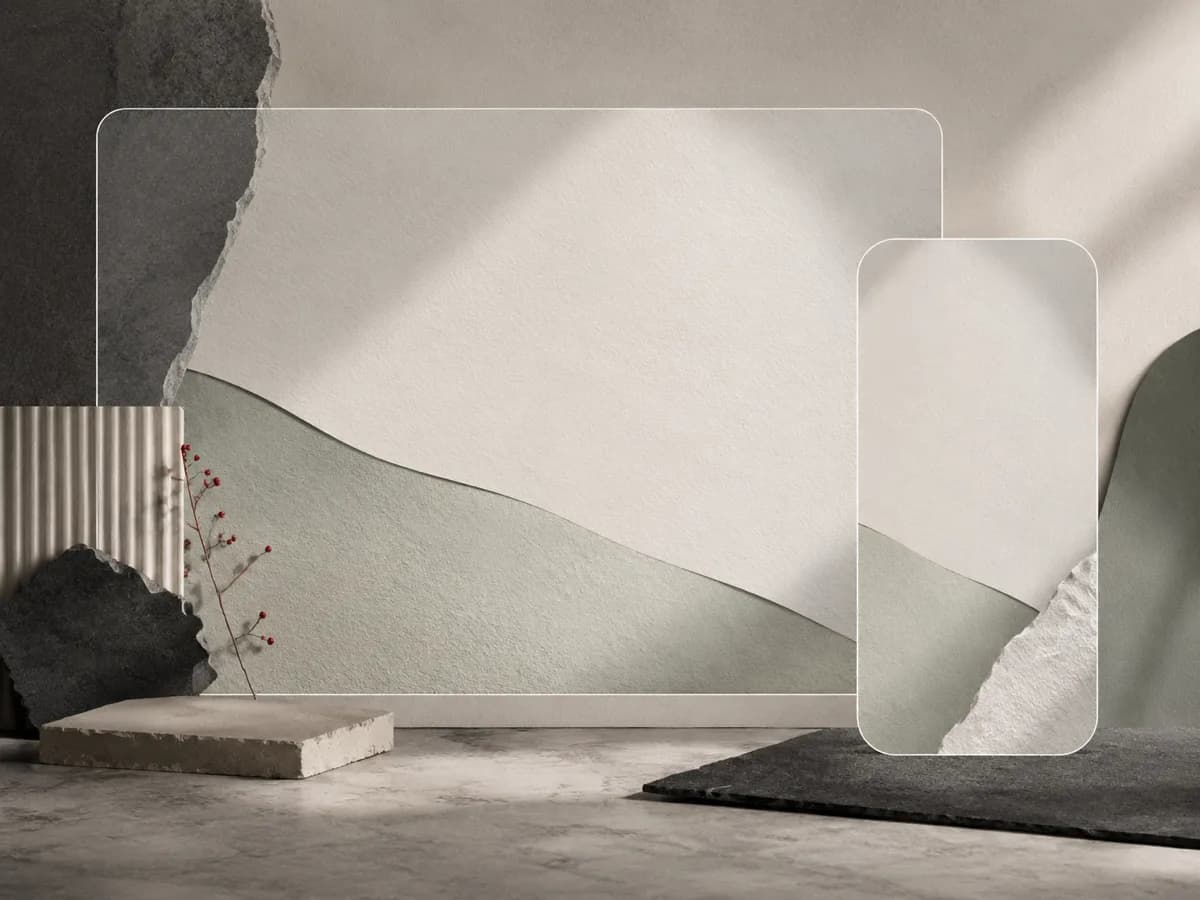
The example images show material texture, clean space, and ratio-friendly composition. They are not proof of commercial rights for every derivative use.
Prompt examples
Copy-ready starts
Copy an example, then replace the subject and production details with material you can use.
A widescreen tactile paper landscape, calm negative space, precise shadow layers, no text, no logos, desktop wallpaper crop.
A vertical layered glass wallpaper with soft daylight, clean top area for lock-screen widgets, no readable text, no brand marks.
A minimal dark desk texture with polished metal detail, quiet reflections, clean center space, no UI, no text, editorial material mood.
An abstract material wall with paper, glass, and stone textures, controlled light, no gradient blobs, no typography, safe desktop crop.
A square wallpaper-style background with tactile layers, soft shadows, blank headline-safe space, no logos, no readable generated text.
FAQ
Frequently asked questions
Choose the final target first: desktop, mobile lock screen, tablet, or square social background.
Usually no. Text artifacts are hard to control, so add any final typography outside the generator.
Review rights, source material, protected characters, and license obligations before selling or redistributing outputs.
Image Resizer, Image Compressor, and Image Enhancer help prepare final wallpaper exports.