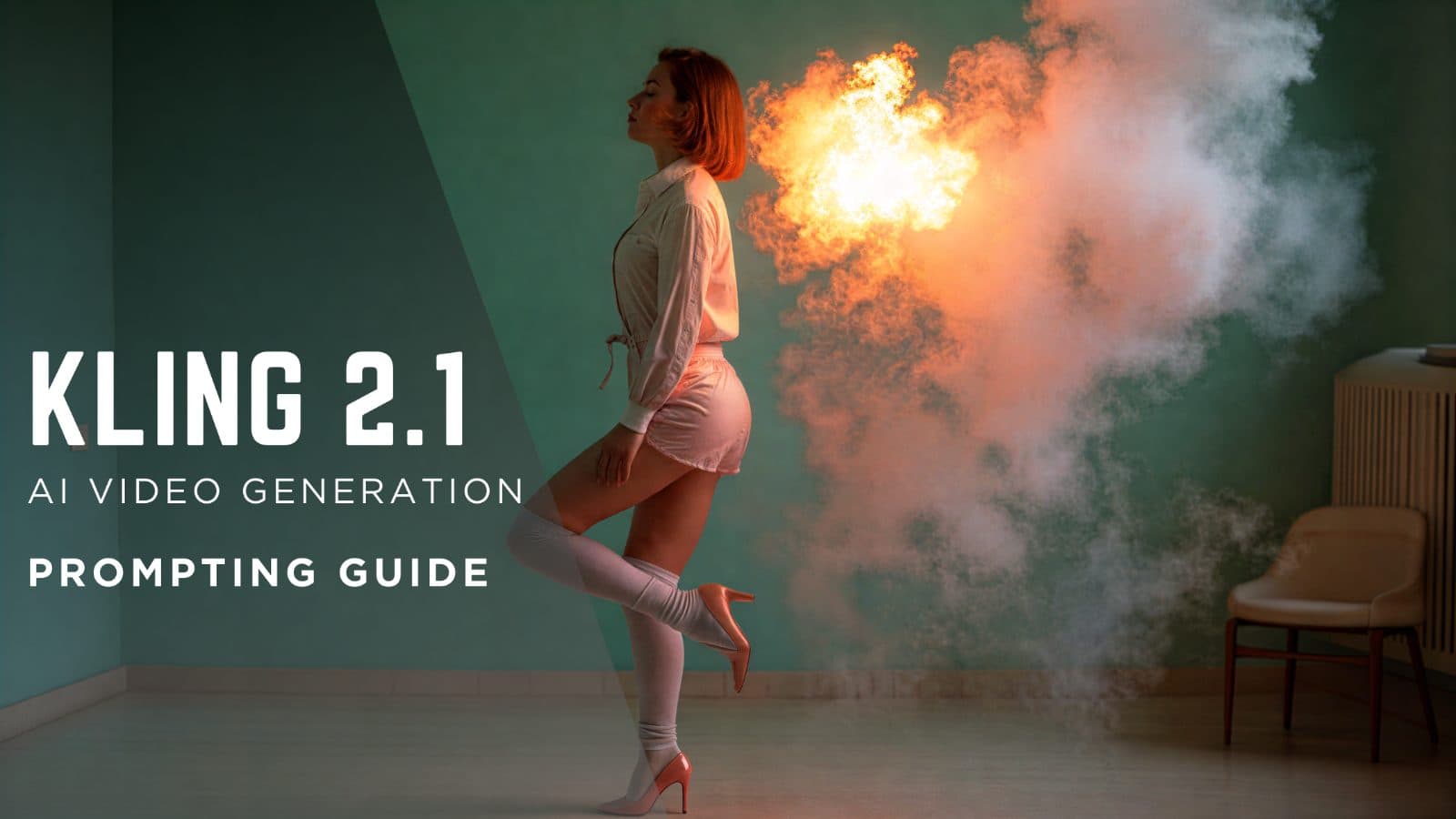
Source frame first
A clear source frame reduces ambiguity and makes the motion prompt easier to review.
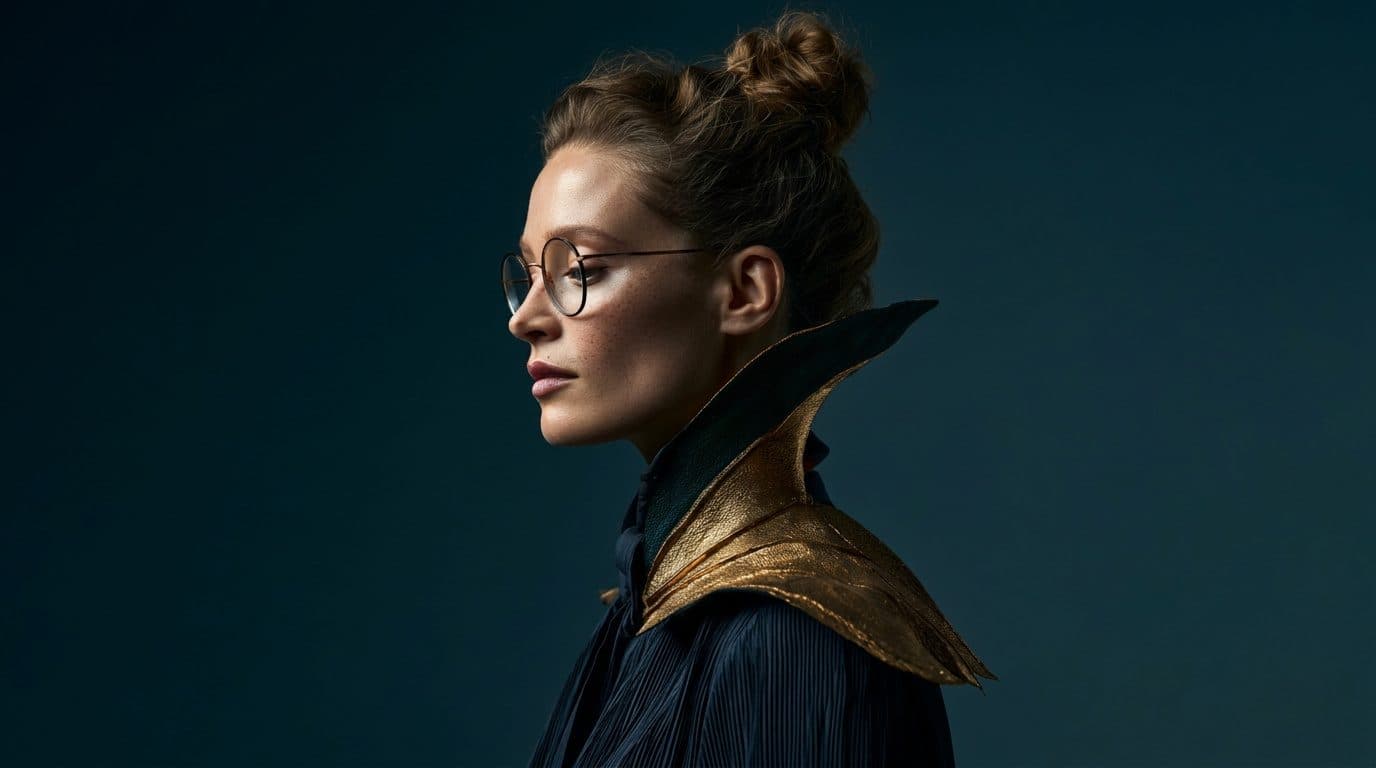
Motion language
Describe camera, subject, light, and pacing separately instead of asking for an entire film in one sentence.
Voloshow route
Use image generation, prompt extraction, and the available video route as separate reviewable steps.
Prompt examples
Copy-ready starts
Copy an example, then replace the subject and production details with material you can use.
A stable product keyframe on a neutral table, accurate silhouette, soft side light, enough empty space for motion.
Slow push-in toward the product, shadow shifts naturally, subject remains centered, no new objects appear.
Keep the scene realistic, avoid unreadable text, avoid brand marks, preserve product shape and material.
FAQ
Frequently asked questions
Create or select a stable source image before writing motion.
Use one camera action and one subject behavior, then review the output.
No. It is a planning guide and links to related Voloshow workflows.
Keep exploring
Related features
Related tools
Next action
Plan a video workflow
Move from the guide into a focused Voloshow workflow and review the result before publishing.

Voloshow Editorial
Practical, source-aware guides for AI image, editing, product, and video workflows.