What is Voloshow?
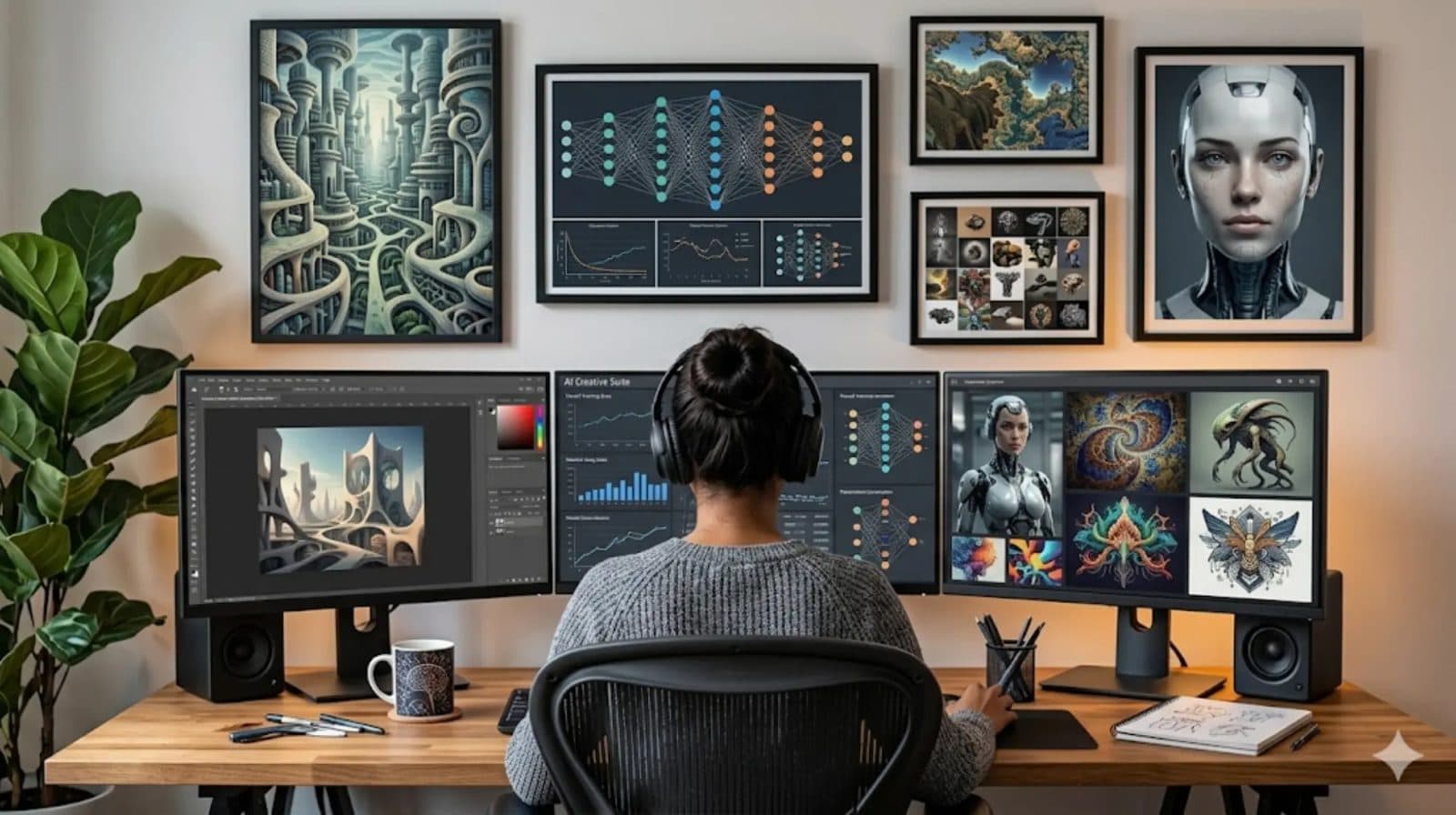
Voloshow is an AI creative studio for generating images, editing uploads, removing backgrounds, resizing locally, creating product photos, and turning visuals into short videos.

What can you create with Voloshow?
Creators use Voloshow for prompt-led images, uploaded image edits, transparent cutouts, clean product scenes, campaign visuals, local image preparation, and short image-to-video experiments.
- AI image generation from prompt ideas.
- Background removal and image editing tools for uploaded assets.
- Product photo workflows for ecommerce drafts and marketing visuals.
- Short video starts from source images and prompt planning.
Why Voloshow is different
Voloshow keeps generation, local utilities, product workflows, and video planning in one place while showing clear availability, credit, and content-policy boundaries before creators publish or continue.
Local image tools
Resize, compress, and convert workflows can run locally in the browser. This keeps everyday image preparation fast while AI-backed tools remain available for generation, cleanup, enhancement, and background workflows.
GPT Image 2-ready generation
Voloshow generation pages are prepared for GPT Image 2-style prompt workflows through the active Product model catalog, prompt examples, ratio guidance, and follow-up editing paths.
Product photo workflows
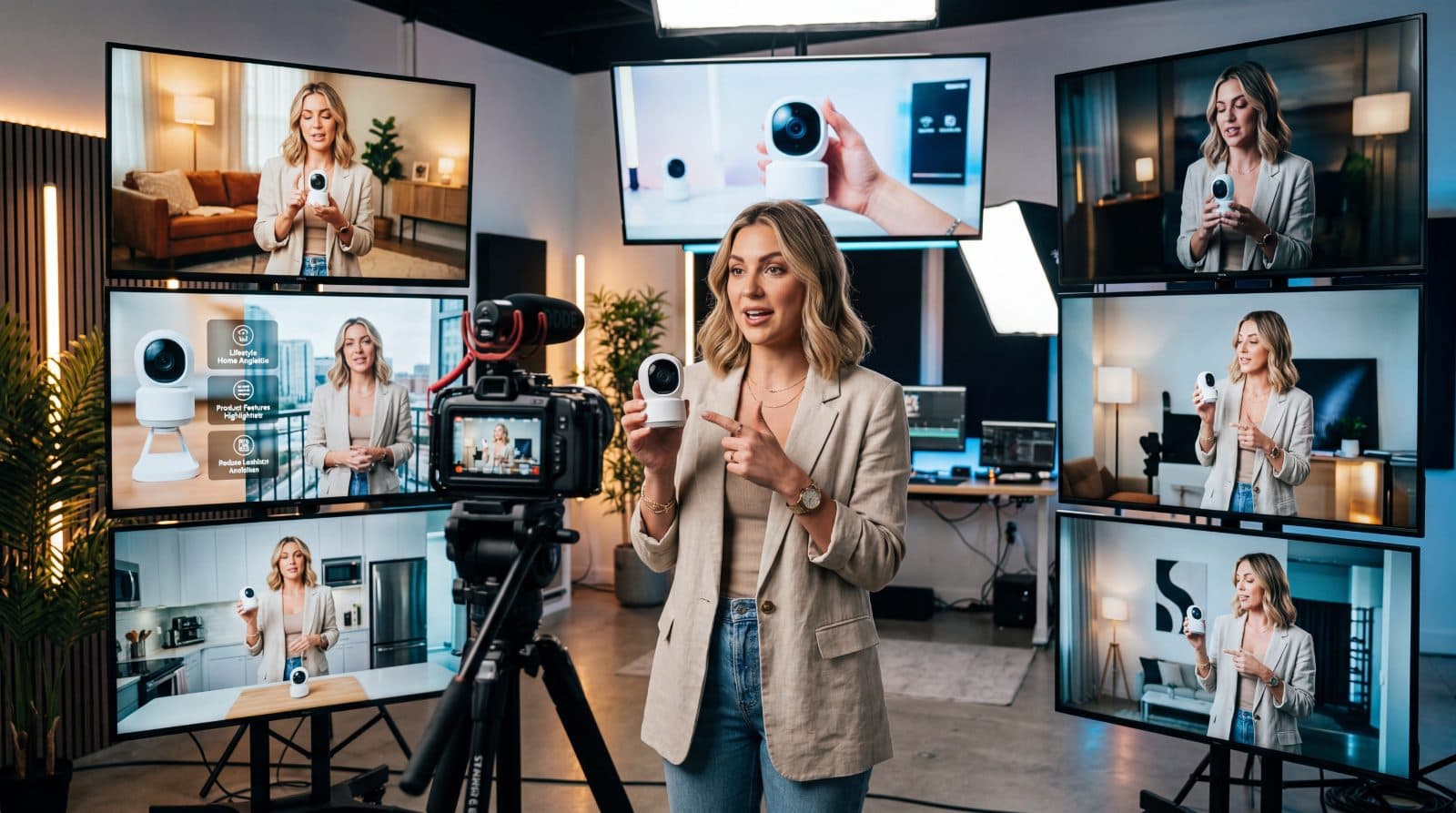
Product photo workflows help ecommerce sellers and marketers draft white-background catalog images, lifestyle scenes, and social ad visuals while keeping product accuracy and platform review outside automation.
Image-to-video beta
Image-to-video workflows start from stable source frames, concise motion prompts, and clear expectations about beta availability. Voloshow routes creators to available video entries when the account and catalog support them.
What is coming next
Next priorities include stronger product-photo workflows, clearer model availability, more prompt examples, richer local utilities, and better handoff between image generation, editing, and video creation.
Prompt examples
Copy-ready starts
Copy an example, then replace the subject and production details with material you can use.
A premium skincare bottle on a warm stone plinth, clean product label area, softbox reflection, realistic shadow, ecommerce hero crop.
A social campaign visual for an AI creative studio, polished desk scene, red accent detail, tactile paper texture, no fake UI text.
A stable product keyframe for image-to-video, centered object, consistent lighting, clean background, subtle motion-ready composition.
FAQ
Frequently asked questions
Voloshow is an AI creative studio for generating images, editing uploads, removing backgrounds, resizing locally, creating product photos, and turning visuals into short videos.
Voloshow is built for creators, marketers, ecommerce sellers, designers, and small teams that need practical visual workflows.
Yes. Local utilities such as resize, compress, and convert run in the browser so simple image preparation does not require a generation task.
Keep exploring
Next action
Open Voloshow
Move from the guide into a focused Voloshow workflow and review the result before publishing.

Voloshow Editorial
Practical, source-aware guides for AI image, editing, product, and video workflows.