

Example media
Reviewed visual examples


How to use in Voloshow
Workflow steps
- 1
Pick the channel
Choose post, story, cover, carousel, or ad before writing the prompt.
- 2
Reserve copy space
Generate the image without final text so copy remains accurate and editable.
- 3
Review the message
Check claims, likenesses, product details, and any implied platform references.
- 4
Export variants
Resize and compress approved images for each placement.
Specs
Use case status and media context
| Best output | Copy-safe post, story, cover, carousel, and ad image drafts. |
|---|---|
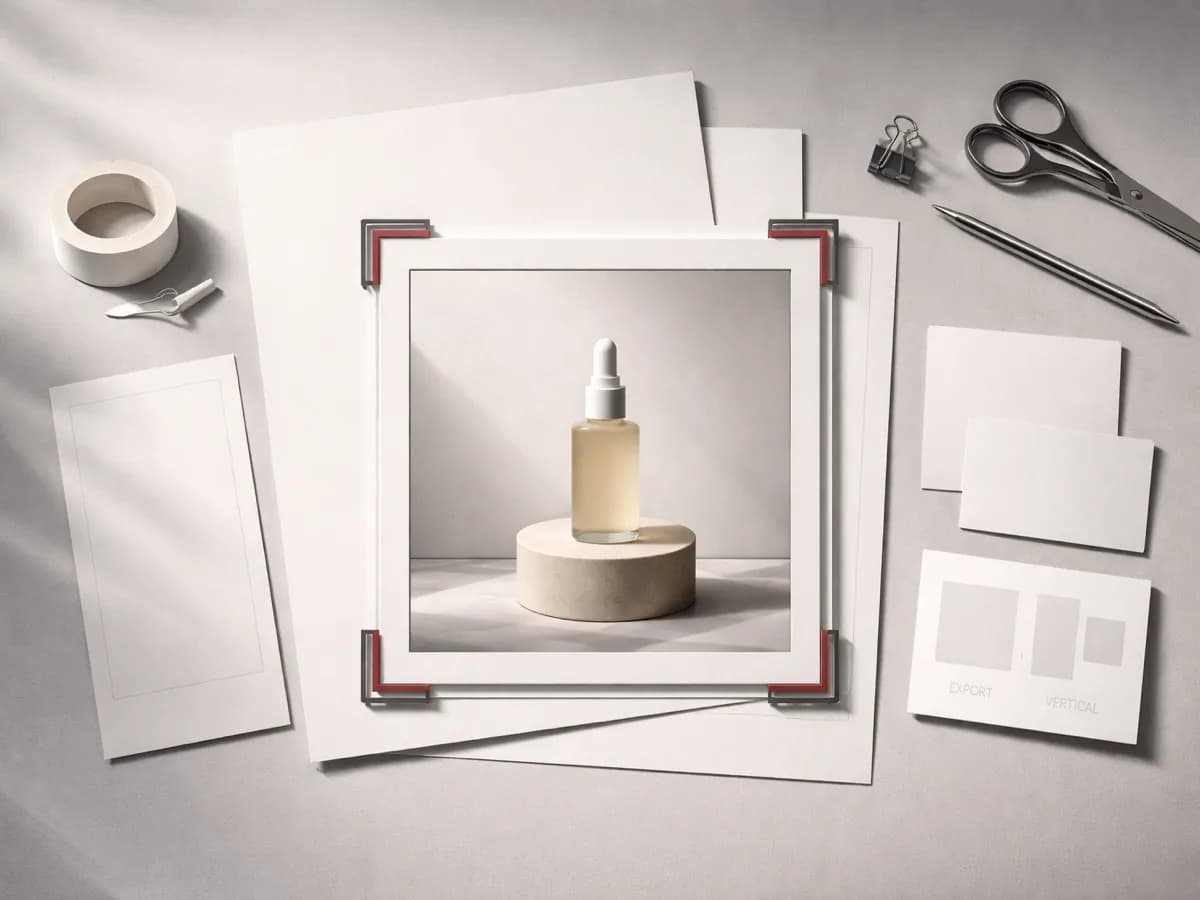
| Table use | Square post, vertical story, wide cover, product ad crop. |
| Review | Claims, likenesses, platform UI, final copy, crop safety. |
| Tool path | Generate, Image Resizer, Image Compressor, Background Remover. |
Common mistakes
Avoid these before publishing
- Embedding final copy or fake interface text in the generated image.
- Using fake likes, comments, verification marks, or platform screenshots.
- Publishing without checking claims, likenesses, channel crop, and product truth.
Next action
Generate one campaign image and export channel variants.
Create the visual direction in Voloshow, then resize and compress only after copy and claims pass review.
Use-case fit
AI social media images need fast iteration, strong crops, and clear marketing boundaries. The generator should create the visual layer; final copy, claims, crop, and platform-specific constraints should be reviewed after generation.
Workflow
Choose the channel shape, generate a copy-safe base visual, select the cleanest candidate, resize it for each placement, compress the approved export, and review claims before scheduling.
- Square, vertical, and wide crops differ.
- Keep final copy outside generation.
- Avoid fake platform interface elements.
Review boundary
Check likenesses, brand marks, product claims, fake metrics, platform logos, readability, and whether the final crop still communicates the campaign without misleading users.
Prompt examples
Copy-ready starts
Copy an example, then replace the subject and production details with material you can use.
A square social product post concept with one owned product, blank headline area, tactile paper set, scarlet accent line, no fake UI or engagement metrics.
A vertical story background with premium material texture, safe top and bottom zones, no readable text, no logos, no platform interface.
A wide creator cover image with abstract studio tools, realistic light, clean left-side text space, no generated captions or fake screenshots.
A clean carousel cover visual with split composition, one product or object, blank copy area, no fake rating badges or platform icons.
A paid social ad image draft with one hero product, neutral props, practical light, conservative claims, and blank space for reviewed copy.
FAQ
Frequently asked questions
Generate the visual with blank space when accuracy matters, then add final copy in a design tool so it stays legible and reviewable.
Avoid fake platform UI, fake metrics, fake verification marks, and misleading screenshots in campaign images.
Prepare square, vertical, and wide crops depending on post, story, cover, ad, or carousel placement.
Use Image Resizer and Image Compressor for channel variants, and Background Remover when product or creator assets need cleanup.