


Use-case fit
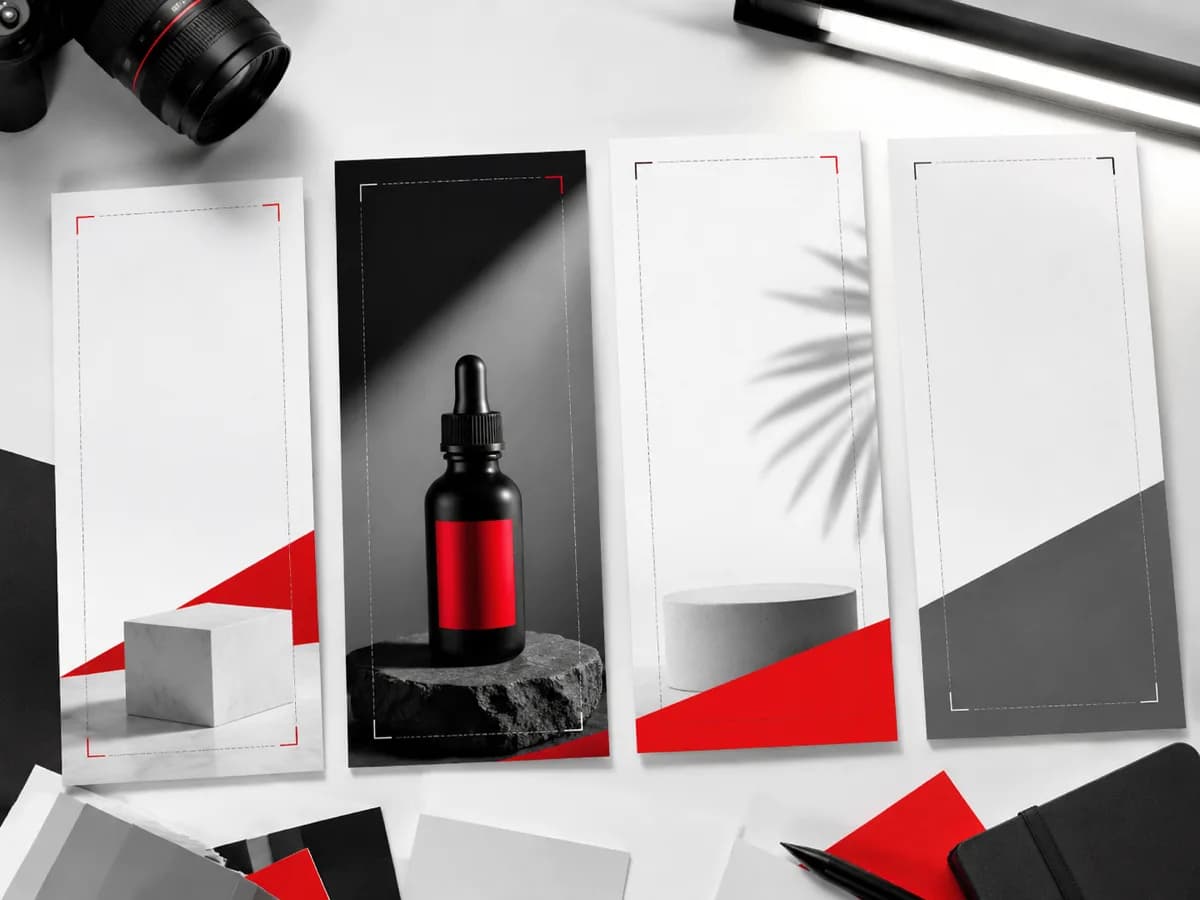
Short-video covers need vertical composition, quick visual hooks, and mobile-safe crop planning.
Workflow
Generate a cover concept, reserve overlay space, resize for the target channel, then review claims and likenesses.
- Vertical-first composition.
- No fake social UI.
- Review final overlays.
Prompt examples
Copy-ready starts
Copy an example, then replace the subject and production details with material you can use.
A vertical short-video cover concept with one creator workstation object, clean top space, dramatic paper shadow, no app UI.
A vertical product teaser cover, single owned product, close crop, bold contrast, scarlet accent line, no fake engagement metrics.
A vertical tutorial cover concept with before-and-after image panels, clear center subject, no readable text, premium studio texture.
FAQ
Frequently asked questions
Start with a vertical composition, keep the subject central, and leave room for text or channel overlays.
Treat outputs as visual drafts. Add final copy, crop, and compliance checks before publishing.
Avoid fake social UI, fake engagement, restricted likenesses, and unowned brand marks.