


Use-case fit
Thumbnail concepts work best when the prompt separates image generation from final typography and keeps the hook visually simple.
Review boundary
Review claims, likenesses, platform references, and readability before publishing.
- No fake platform UI.
- No fake metrics.
- Manual text and crop review.
Prompt examples
Copy-ready starts
Copy an example, then replace the subject and production details with material you can use.
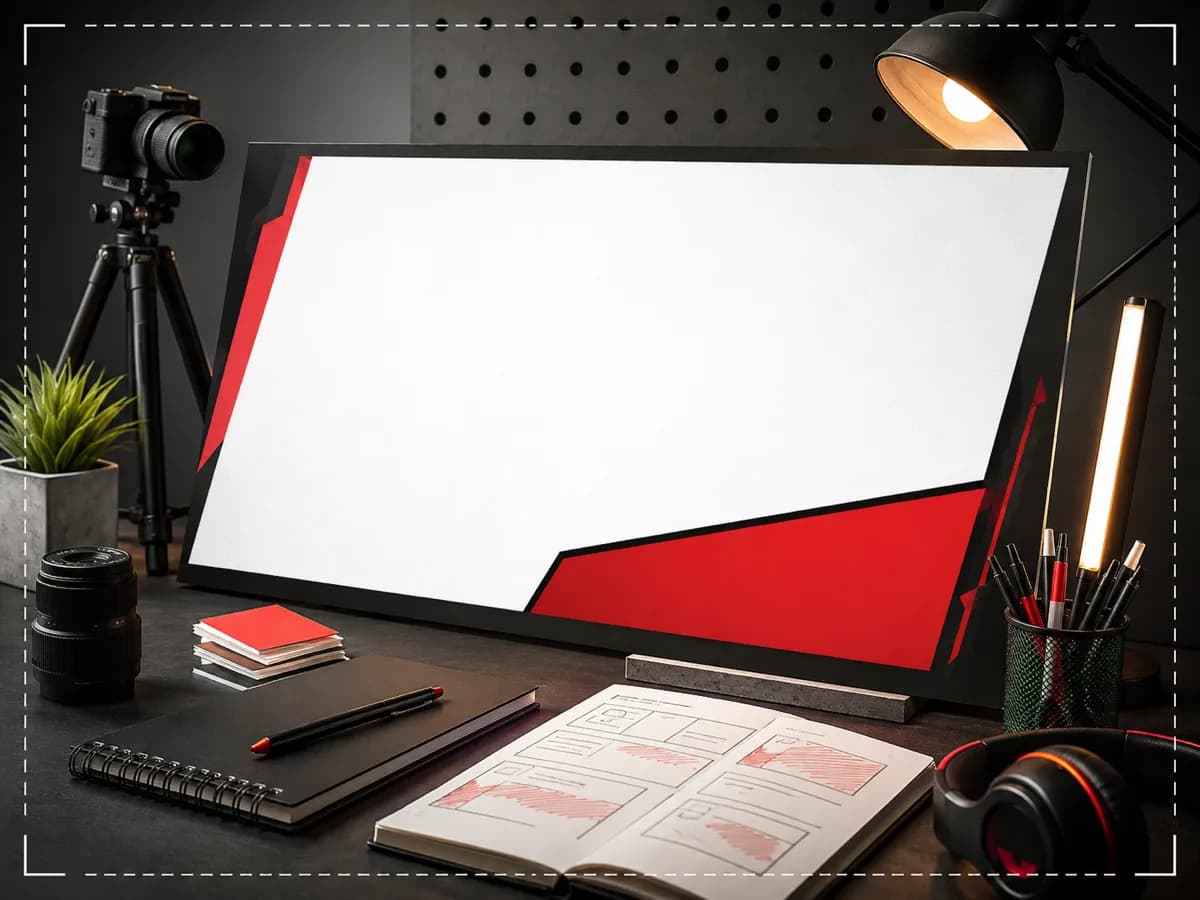
A no-text YouTube thumbnail concept with a creator desk, one expressive object, hard studio shadow, clear right-side headline space.
A no-text product review thumbnail concept, single product in hand, high contrast paper set, realistic lighting, no fake ratings.
A no-text tutorial thumbnail concept showing a before-and-after creative workflow, clean split composition, scarlet accent divider.
FAQ
Frequently asked questions
Usually no. Generate the visual concept with clean space, then add final text in a design tool for legibility.
Avoid fake platform UI, fake metrics, fake verification marks, and misleading screenshots.
Image Resizer, Image Compressor, Background Remover, and Image Enhancer help prepare thumbnail exports.