


Availability and promise boundary
This page is marked overview. Voloshow does not claim unsupported model access, marketplace approval, or guaranteed commercial rights.
What users need
Users want a practical bridge from model research to source-image and motion-prompt preparation.
Voloshow workflow
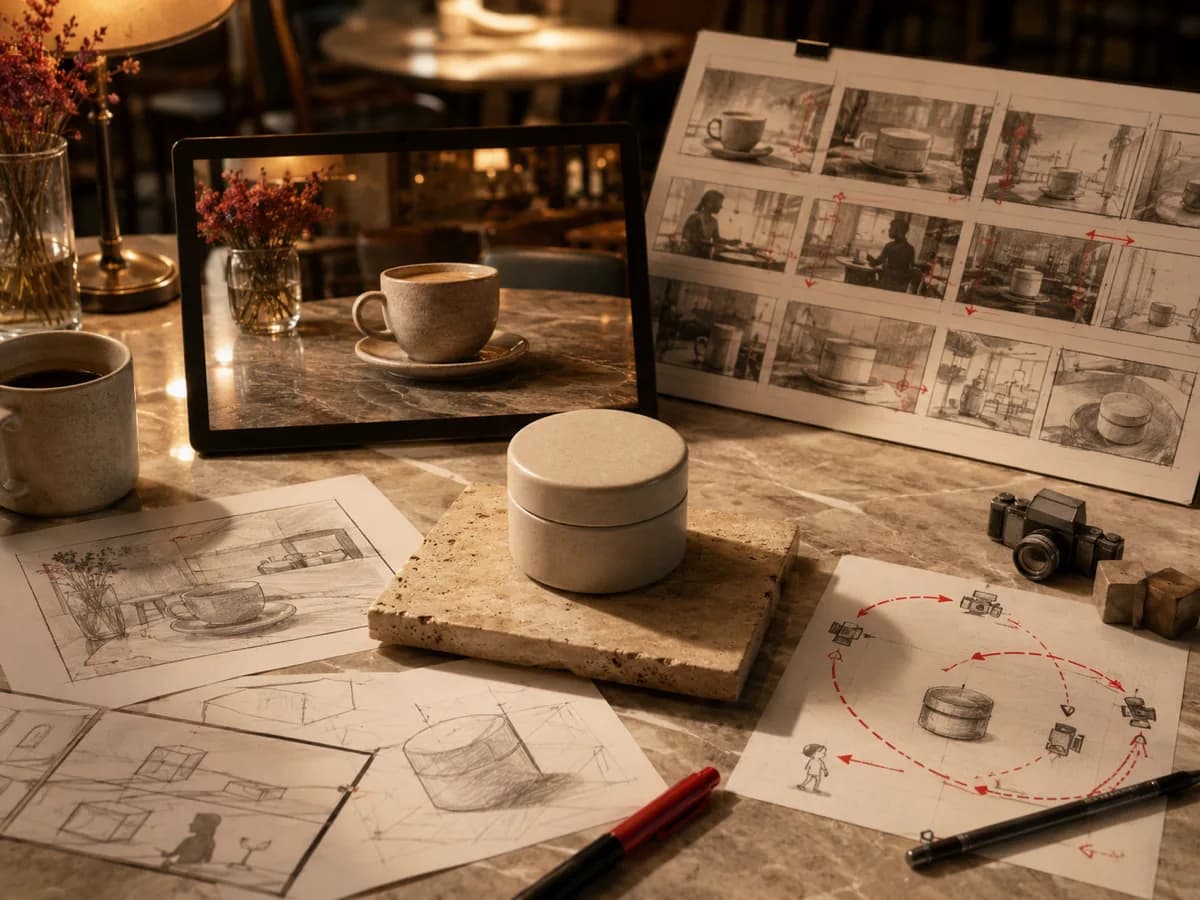
Create source frames, refine prompt language, then route to supported video generation.
- One subject.
- One motion idea.
- One review pass before export.
Prompt examples
Copy-ready starts
Copy an example, then replace the subject and production details with material you can use.
A premium product hero frame with a slow light sweep, crisp shadow, neutral background, stable object silhouette.
A calm lifestyle product scene with subtle camera movement, natural fabric texture, soft daylight, no branded packaging.
A macro product close-up with slow focus pull, polished metal detail, restrained studio reflections, commercial pacing.
FAQ
Frequently asked questions
No. It is a topic overview and related Voloshow workflow page.
Source image creation, image-to-prompt translation, motion planning, and related video entry points.
Refresh monthly or whenever the external model landscape or Voloshow Product catalog changes.