
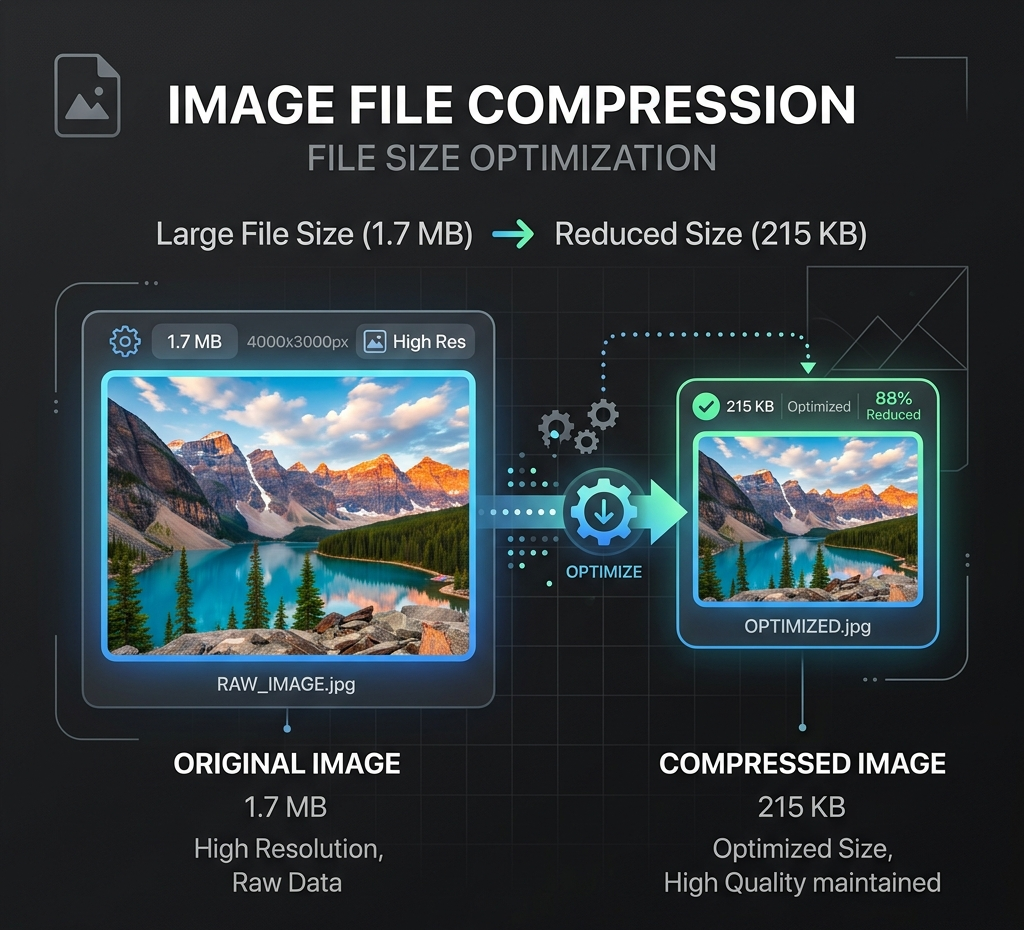
图片压缩器
在本地快速压缩并减小图片文件体积,保持卓越画质。
本地图片工具
浏览器本地处理
图片只在此浏览器中通过 Canvas 处理,默认不会上传到 Product API。
PNG / JPEG / WebP,单文件不超过 25 MB。
本地调整、压缩和转换不消耗积分。
无需上传不消耗积分仅浏览器
输出格式
使用示例
网页上传压缩
选择或拖入图片,在此浏览器中进行本地处理与预览。
使用示例
降低平台图片体积
准备便于分享的图片
图片压缩器 工作流
在本地快速压缩并减小图片文件体积,保持卓越画质。
- 1从页面顶部的运行器开始。
- 2在导出前,请检查示例和输入注意事项。
- 3使用相关工具继续您的视觉工作流。
图片压缩器 示例与用途
在网页上传、平台发布、分享或 AI 工作流准备之前,使用压缩器减小图片体积。
- 1在上传到其他平台前缩小大尺寸商品图或社交图片。
- 2当不能接受画质损失时,保持 PNG 输出无损。
- 3在运行背景、提示词或生成工作流前准备加载更快的素材。
格式、大小与隐私
在本地快速压缩并减小图片文件体积,保持卓越画质。
- 1处理完全在浏览器本地进行。
- 2无需消耗任何点数。
- 3支持 PNG、JPEG 和 WebP,最大 25 MB。
Real compression examples
These example results show the kind of before-and-after compression data to review before replacing a source asset.
- 1Product JPG: 2.8 MB -> 460 KB for a lighter ecommerce product image.
- 2WebP Hero: 1.4 MB -> 230 KB for a faster landing-page hero asset.
- 3PNG Screenshot: 3.1 MB -> 1.7 MB when lossless output matters more than the smallest possible file.
WebP, product photo and Shopify compression
Use the same compressor for WebP images, product photos, Shopify store assets, and format decisions where JPEG and WebP compression behave differently.
- 1Compress WebP Images when a modern web asset still needs a smaller download size.
- 2Compress Product Photos before uploading storefront, marketplace, catalog, or campaign images.
- 3Compress Images for Shopify after final crop and background work so store media stays lighter.
- 4Use JPEG vs WebP Compression checks when balancing broad compatibility, transparency support, and smaller files.
发布与上传场景
压缩适用于网页发布、平台上传、邮件交付、社交发帖和 AI 工作流准备之前。
- 1当文件体积更重要时,使用 WebP 或 JPEG 画质控制。
- 2当无损或透明度更重要时,保持 PNG 输出。
- 3下载前对比原始大小、压缩后大小和节省百分比。
本地压缩边界
压缩在浏览器内运行,默认不会将图片提交到 Product API,也不消耗点数。
- 1当尺寸远大于目标渠道时先调整尺寸。
- 2在背景处理完成、最终素材就绪后再压缩。
- 3替换源素材前先检查视觉质量。
推荐相关工具
探索更多相关的智能图像工具,继续您的创作工作流:
图片工作台AI 图像工具目录提示词库图片尺寸调整器图片格式转换器图像增强器常见问题
压缩图片会消耗点数吗?
不会。首个版本中,图片压缩完全在您的浏览器本地进行,不消耗任何点数。
画质压缩是如何工作的?
有损画质压缩适用于 JPEG 和 WebP 格式;PNG 格式输出将保持无损压缩行为。
我应该在什么时候使用这个工具?
在进行 AI 增强或上传图片之前,如果您需要更小的文件体积,可以使用此压缩工具。
Can I compress WebP images?
Yes. Upload a WebP image and use the quality control to reduce file size while checking the preview and saved percentage.
Can I compress images for Shopify?
Yes. Compress product photos, hero images and store content after the final crop or background edit, then review quality before uploading to Shopify.
Should I use JPEG or WebP compression?
Use JPEG when broad compatibility matters for photo-style images. Use WebP when modern browser delivery and smaller web files are the priority.
压缩会上传我的图片吗?
不会。压缩在浏览器本地运行,默认不上传图片。
支持哪些格式?
支持 PNG、JPEG 和 WebP,以当前本地工具的大小上限为准。
可以为电商压缩商品图吗?
可以。在最终编辑完成后压缩,并在上传到店铺、平台或 CMS 前检查画质。