

Prompt extraction preview
A cute orange tabby cat wrapped in a warm soft plush blanket, cute green eyes, fluffy ears, indoor soft studio lighting.
Analysieren Sie Bilder, um optimierte Prompts zu extrahieren.
A cute orange tabby cat wrapped in a warm soft plush blanket, cute green eyes, fluffy ears, indoor soft studio lighting.
Lade links ein Referenzbild hoch oder wähle eines aus, um das verarbeitete Ergebnis hier zu vergleichen.
A cute orange tabby cat wrapped in a warm soft plush blanket, cute green eyes, fluffy ears, indoor soft studio lighting.

A highly detailed cyberpunk city street scene at night, cinematic digital painting style, glowing neon signs in red and blue, wet rainy asphalt with reflections, highly stylized, artistic, futuristic vibe.
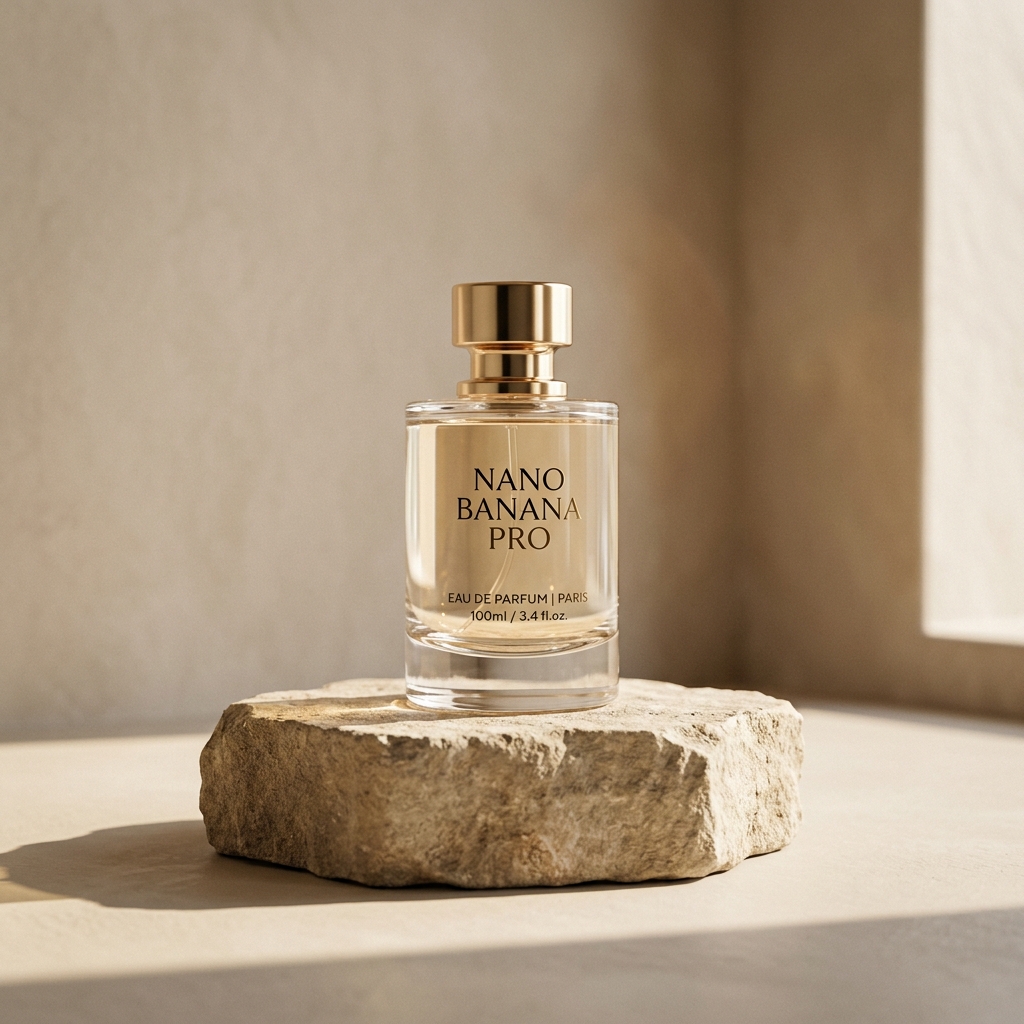
A minimalist studio product shot of a luxury perfume bottle on a natural textured stone pedestal, clean sharp shadows, bright elegant studio lighting, neutral background, editorial aesthetic, high resolution.
Analysieren Sie Bilder, um optimierte Prompts zu extrahieren.
Analysieren Sie Bilder, um optimierte Prompts zu extrahieren.
Prüfen Sie die Workflow-Hinweise, Verfügbarkeitsdetails und verwandten Tools, bevor Sie mit einem generierten oder hochgeladenen Bild fortfahren.
Entdecken Sie weitere intelligente Bildwerkzeuge, um Ihren kreativen Arbeitsablauf fortzusetzen:
Bild-ArbeitsplatzKI-Bildtools-VerzeichnisPrompt-BibliothekKI-BildgeneratorBild-zu-BildBild-VerbessererUpload or choose a private Product media asset and the runner returns short, detailed, tag, and negative prompt text.
Yes. The Product API stores an action id and history id so the prompt can be downloaded or reused.
No. The public result only returns reusable prompt text and safe status details.