
Omni Watermark Remover ワークフロー
Remove visible watermarks from generated videos.
- 1ページ上部のランナーから開始します。
- 2エクスポートする前に例と入力時の注意点を確認してください。
- 3関連ツールを使用してビジュアルワークフローを続行します。
Remove visible watermarks from generated videos.
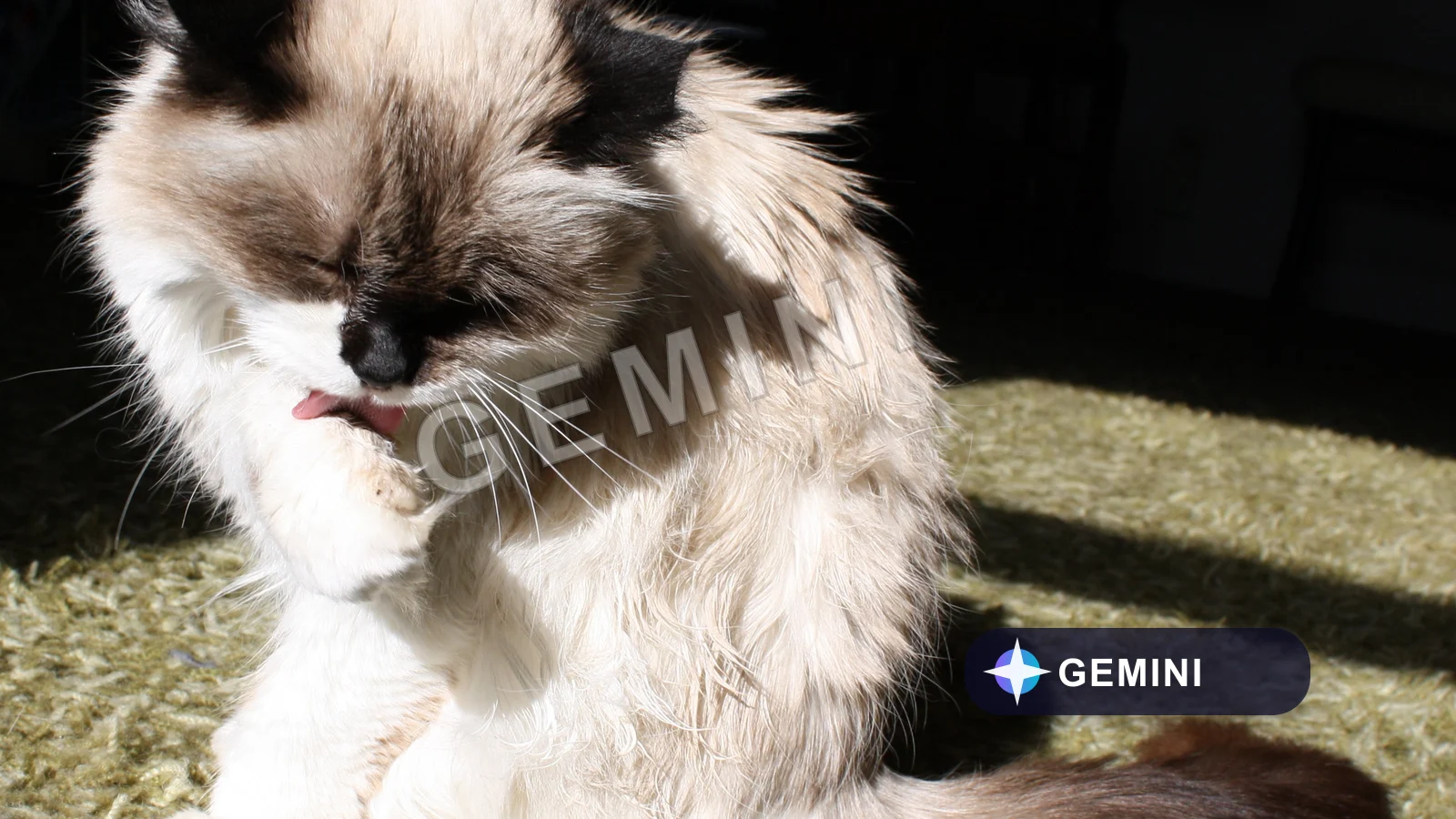
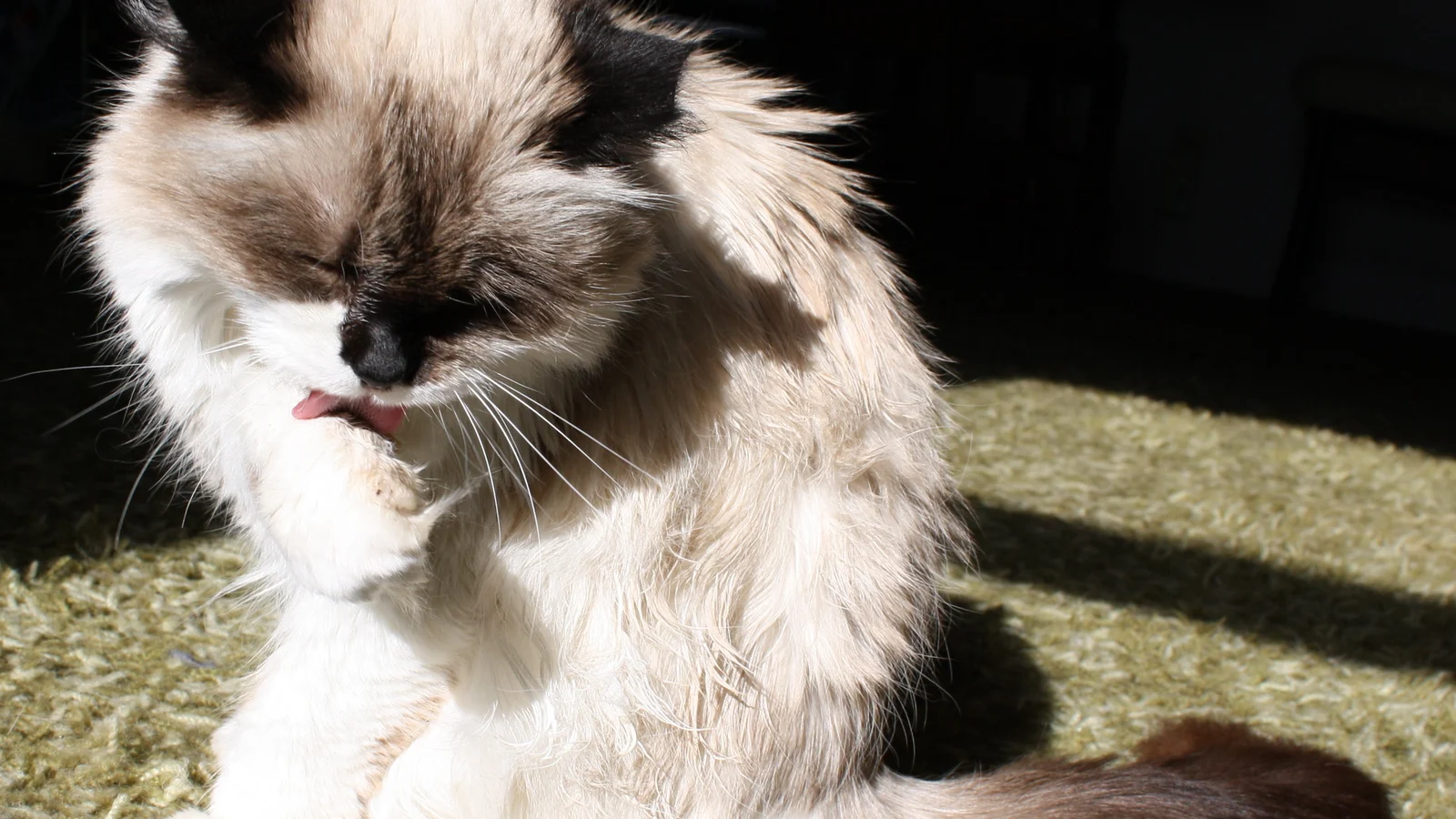
左側で参照画像をアップロードまたは選択すると、処理結果をここでプレビューして比較できます。
Remove visible watermarks from generated videos.
Remove visible watermarks from generated videos.
生成またはアップロードした画像で作業を続ける前に、ワークフローの説明、提供状況の詳細、関連ツールを確認してください。
関連するスマート画像ツールを探索して、クリエイティブなワークフローを続けましょう:
画像ワークベンチAI画像ツール一覧プロンプトライブラリGeminiウォーターマーク削除画質エンハンサー画像圧縮It targets visible Omni, Veo, and similar AI video watermarks through the configured GWR video provider.
It sends the video as an HTTP-accessible URL through Product/NewAPI and the Aggregator /v1/videos contract.
Use generated videos you own or have permission to process, and review the MP4 output before publishing.